


Best quality canvas photo prints online USA: how to judge
Written by: Daniel Koren, Co-Founder, Frameology | Last updated: October 21, 2026
Key takeaways
Canvas quality depends on five signals: substrate weight, pigment or Giclée ink, 1.5-inch gallery frame depth, clean corner wrapping, and finished backing.
Resolution matters. Multiply print width in inches by 150–200 DPI (dots per inch) for wall-distance viewing or 300 DPI for close inspection.
Gallery-wrapped canvas creates a modern, frameless look that suits landscapes, while framed canvas adds polish that fits portraits and formal rooms.
Preview tools like mobile augmented reality (AR) reduce guesswork by showing the canvas on your wall before you order.
Frameology delivers premium canvas prints with Giclée printing, finished backs, fast USA shipping, and AR preview tools that make online ordering feel simple.
How to spot a high-quality canvas photo print
A high-quality canvas print relies on four elements: archival-grade canvas, pigment or Giclée inks, a solid 1.5-inch frame with hand-wrapped corners, and a clean finished backing. Each element serves a specific purpose. Skimp on any one, and the print will start to look tired and worn much sooner. Use these five quality signals when you scan any product page:
Canvas substrate: Most modern high-end canvas prints use a poly-cotton blend that combines the texture of cotton with the stability of polyester. Pure polyester looks smooth and sharp but can feel slightly synthetic. One hundred percent cotton has a strong texture that suits fine-art reproductions but moves more with humidity. For family portraits, landscapes, and travel photos, a poly-cotton blend hits the practical sweet spot. Heavyweight poly-cotton blends for gallery-quality prints usually range from 390 to 450 gsm, which helps the canvas stay tight without sagging or tearing.
Ink type: Pigment-based, UV-resistant inks can last 50–100 years without fading. Dye-based inks cost less and often fade much faster in strong light. Giclée printing uses a high-end inkjet process that sprays microscopic pigment droplets and is the standard for galleries and museums. Latex inks are a water-based pigment option that stays solvent-free and odorless, which works well for homes with kids. A product page that skips ink type usually signals lower quality.
Frame depth and corner wrapping: A 1.5-inch gallery depth stands off the wall and reads as a premium, framed-quality piece. A 0.75-inch frame sits close to the wall and can look flat on larger prints. On a professionally wrapped canvas, staples sit only on the back of the frame. The fabric at the corners looks neatly folded, not bulky or randomly stapled.
Color accuracy: Poor color calibration often makes a canvas print look cheap. You might see orange skin tones, purple blues, or muddy greens. Look for providers that mention sRGB or Adobe RGB calibration and that offer a preview tool showing how your specific photo will print.
Finish and backing: A UV-protective varnish or coating helps block light damage and makes the surface easier to clean. A finished backing, instead of exposed staples and raw wood, shows that the maker cares about the whole piece, front and back.
Frameology's Premium Canvas Print, starting at $19, uses high-resolution Giclée printing for rich, textured results. It includes a finished back and stays lightweight, even at large sizes, so hanging feels simple. For a deeper dive into canvas materials and inks, the photo canvas prints buyer's guide walks through each choice in detail.
Discover the best way to print your photos at Frameology
What resolution you need for a 24x36 canvas print
Resolution often causes the most confusion with canvas prints, and it explains many blurry results. The basic formula stays simple: multiply the print width in inches by your target DPI (dots per inch) to get the minimum pixel width you need. Use these practical DPI targets for canvas:
150 DPI: This is the minimum for a canvas viewed at normal wall distance. At 150 DPI, a 24x36-inch canvas needs a file of 3,600 x 5,400 pixels. From across a room, this usually looks sharp to the human eye.
200–300 DPI: This range works well for prints that people will study up close. A 16x20-inch canvas needs 4,800 x 6,000 pixels at 300 DPI. A 24x36-inch canvas needs about 7,200 x 10,800 pixels at 300 DPI.
1200 DPI: This level goes far beyond what canvas can show. At a standard 24-inch viewing distance, human eye resolution caps at about 100 ppi. On 10-ounce poly-cotton canvas, anything above roughly 180 ppi offers no visible gain. Higher resolutions only slow processing and burn more ink.
Canvas forgives minor softness more than glossy paper or acrylic. Its woven texture breaks up small sharpness losses that would jump out on a smooth surface. Glossy metal prints and photo paper reveal every pixel because ink sits on a smooth base.
Frameology's Premium Canvas Print comes in sizes up to 40x60 inches, so you can create large statement pieces with confidence. Frameology's frame builder flags low-resolution images before you check out, which helps you avoid soft, disappointing prints. Frameology recommends uploads above 300 ppi and under 40MB for the sharpest results.
Frame the moments that matter at Frameology
Gallery wrap vs. framed canvas: how each style changes the look
Gallery-wrapped canvas keeps the image running around the edges of the stretcher bars with no outer frame. The canvas itself becomes the finished piece. This style feels lightweight and modern and works especially well for landscapes and abstract art where the composition can flow over the sides. A gallery wrap stretches the canvas around a 1.25-to-1.5-inch wooden frame with the image wrapping the edges and no visible frame border.
A framed canvas adds a visible border around the stretched print, which creates a more finished, traditional look. Many people prefer this style for portraits and group photos because the full composition stays on the front face. Framed canvas also fits rooms with more formal decor, where a bare canvas edge might feel too casual.
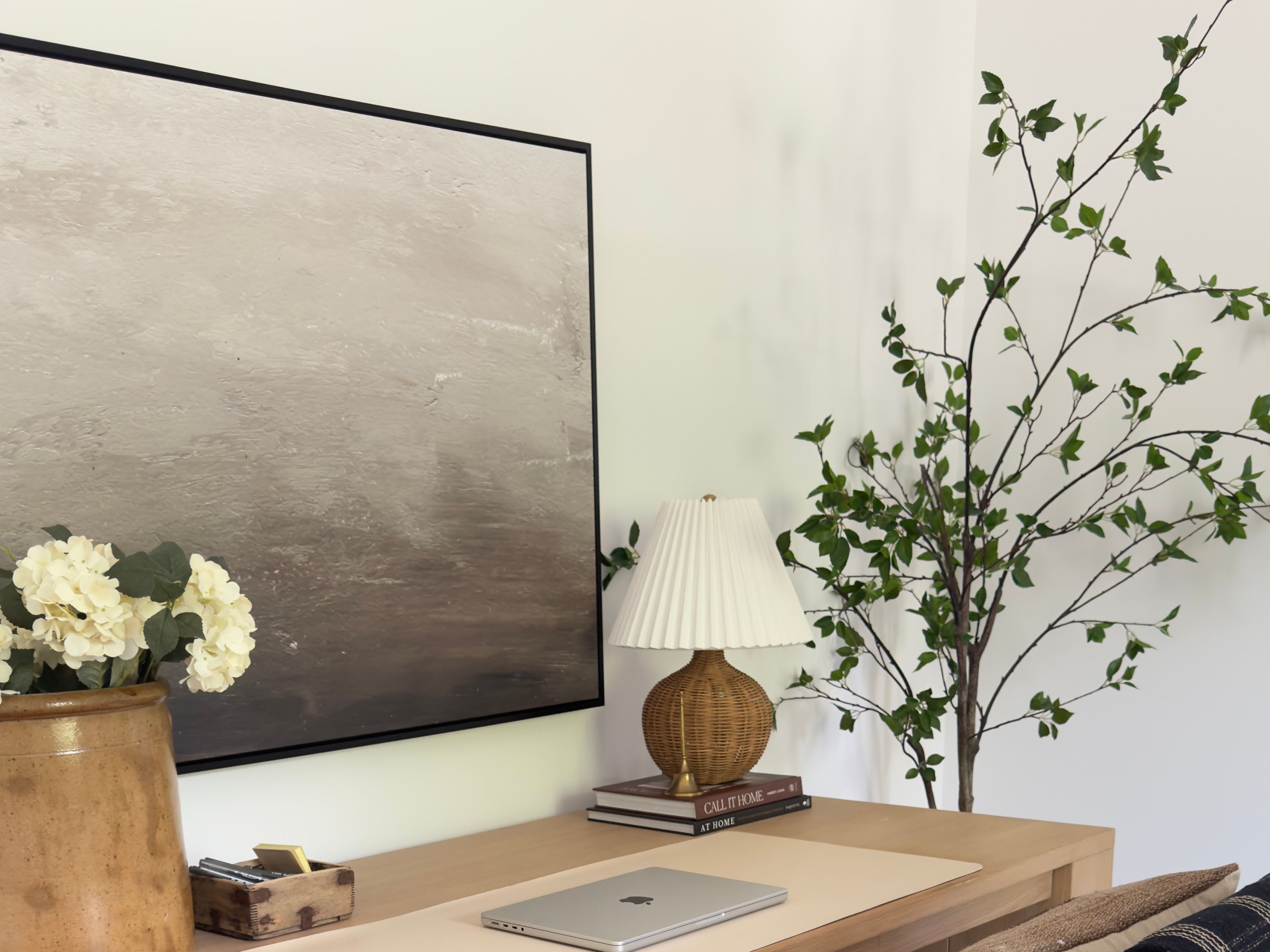
Frameology's HD Framed Canvas, starting at $49, blends both approaches. You get the texture and lightness of canvas with the clean outline of a frame. This option suits anyone who likes the warmth of canvas and still wants a polished border.
Canvas prints stay light and renter-friendly. Many sizes hang on a single hook, and you can often use damage-free mounting strips or velcro wall adhesives. That makes canvas a smart choice for apartments and rental homes where you want to avoid patching holes. For curated multi-piece layouts, Canvas Galleries start at $135.
How to preview and hang your canvas print
Seeing how a canvas will look on your wall before you buy removes a lot of stress from the process. Frameology's mobile-only augmented reality (AR) tool helps with that. Open the Frameology website on your phone, customize your frame, then tap the AR icon. Your phone's camera shows a true-to-scale preview of your exact frame or photo gift on your wall. You can judge size, placement, and proportion before you order. The AR tool focuses on previewing a single frame or photo gift, not designing a full gallery wall.
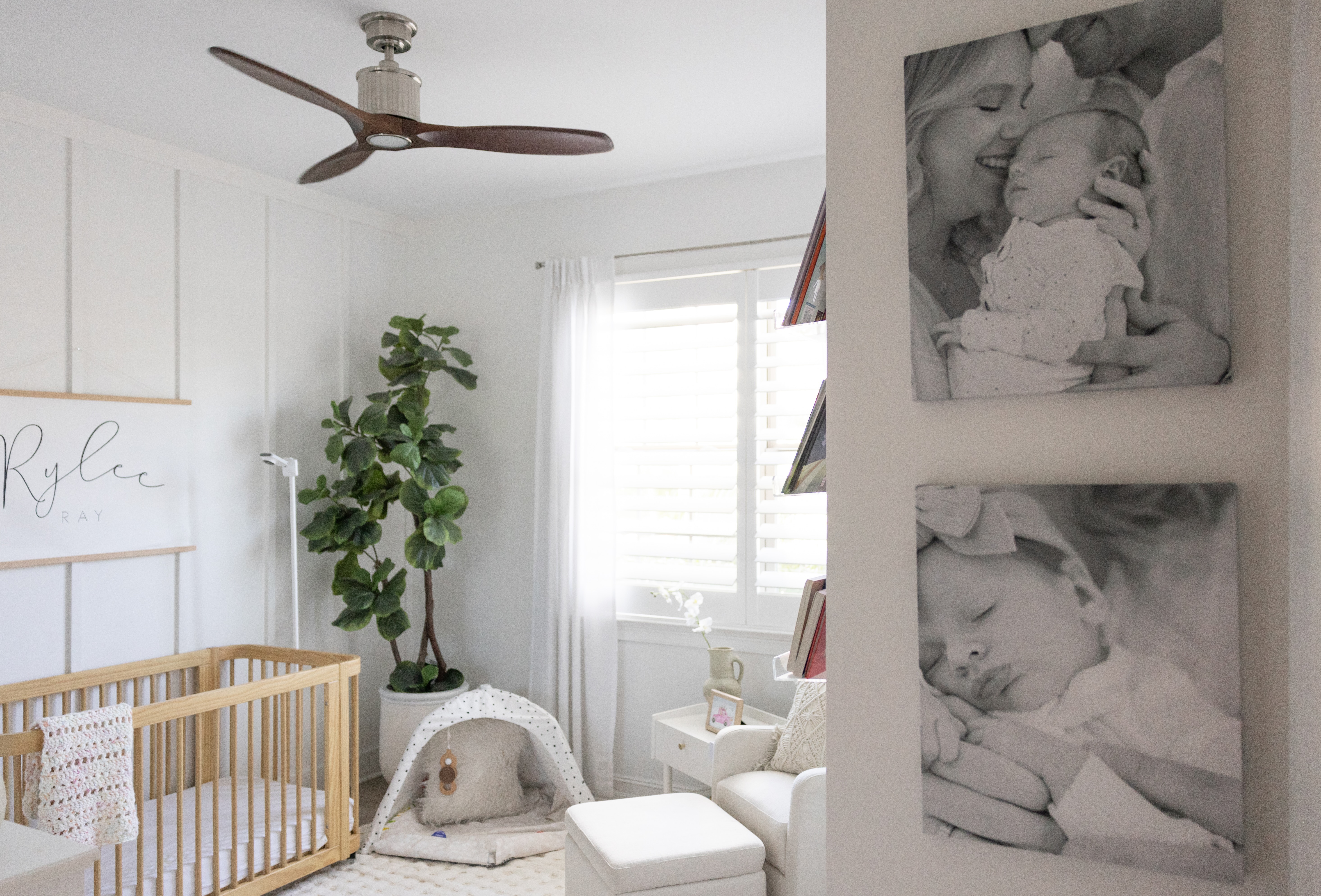
Hanging canvas prints usually feels straightforward. Their light build means most sizes hang on a single hook without a drill. Damage-free mounting strips or velcro wall adhesives work well for smaller canvases, which helps renters keep walls clean.
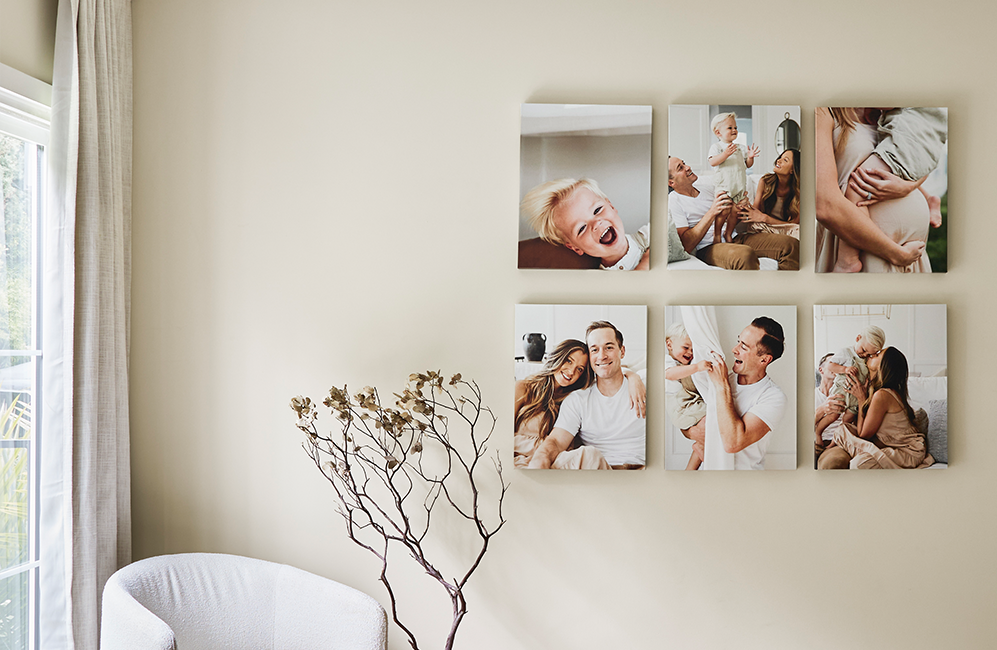
If you want a multi-piece canvas arrangement, Canvas Galleries start at $135 and include layouts like the Canvas Stack, Canvas Triptych, Canvas Grid, and Canvas Hallway II.
See how your canvas will look on your wall with Frameology AR
Common canvas mistakes and how to avoid them
Most canvas disappointments come from a few simple missteps. Check these points before you place your order:
Low-resolution uploads: Confirm your photo's pixel dimensions before you choose a size. Multiply the print width in inches by 150 to find the minimum pixel width for a canvas viewed at wall distance. If your file falls short, pick a smaller size instead of stretching the image.
Wrong size for the wall: Measure your wall and tape off the planned dimensions before you buy. A canvas print or arrangement should cover about 70% of the open wall width for a balanced look.
Thin 0.75-inch frames: A 0.75-inch stretcher bar can look flat and may warp more easily on larger prints. For prints over 24 inches on the long side, a 1.5-inch gallery depth resists warping better, especially in rooms with seasonal humidity swings.
Skipping the preview: Frameology's mobile AR tool lets you see the exact canvas on your wall before you buy. This preview cuts down on returns and helps you feel confident about your choice.
Order your next canvas print from Frameology
Why Frameology is a strong choice for canvas photo prints online in the USA
Frameology brings together every quality signal covered in this guide: solid substrates, pigment-based Giclée inks, 1.5-inch frame depth options, resolution checks, and easy preview tools. The Premium Canvas Print, starting at $19, uses high-resolution Giclée printing, includes a finished back, and comes in sizes up to 40x60 inches. The HD Framed Canvas, starting at $49, adds a frame for a more polished presentation. Both usually ship within a week.
The mobile AR preview and gallery wall templates go beyond what a standard photo lab offers. Reviewed.com praised Frameology for high-quality prints, affordable pricing, and fast shipping. Hunker named Frameology “best for budget-conscious shoppers” in a comparison of online custom framing services. CNN highlighted Frameology's gallery wall solution, and Architectural Digest featured Frameology's value for design-forward homes.
Frameology has earned more than 7,700 verified 5-star reviews and a 4.98/5 rating. That record comes from 30+ years of family-owned framing experience and products printed and hand-crafted in the USA at facilities across the country. For a full breakdown of how Frameology compares, read why Frameology is the best online framing service.
Create your next canvas with Frameology
