


Best canvas print sizes for photo gifts
Written by: Daniel Koren, Co-Founder, Frameology
Key takeaways
Choose canvas size by first checking the photo's aspect ratio so you avoid cropping important details like faces or hands.
Check that your photo's resolution is around 150 PPI at the final print size before you commit to large dimensions.
Use the 0.6–0.75 width rule for balanced placement and measure the recipient's wall or furniture before you order.
Match size to the occasion: small canvases suit grandparent gifts, medium sizes work for holidays and anniversaries, and large canvases make strong statements for weddings and housewarmings.
Frameology offers the best canvas print option for photo gifts, with Premium Canvas Print sizes up to 40x60, Giclée printing, and a starting price of $19.
How to choose a canvas print size for a photo gift
Four checks in order get you to the right size every time:
Check the photo's shape (aspect ratio) so nothing important gets cropped.
Check the photo's resolution so the print stays sharp at the size you want.
Measure the recipient's wall, or the furniture it will hang above, so the size reads as intentional.
Match the size to the occasion, because a grandparent gift and a wedding gift usually need different footprints.
Choosing art that's too small is the most frequent wall art sizing mistake, a finding echoed by Saatchi Art's living room guide. Frameology's guidance puts ideal total art width at 0.6–0.75 of the wall width.
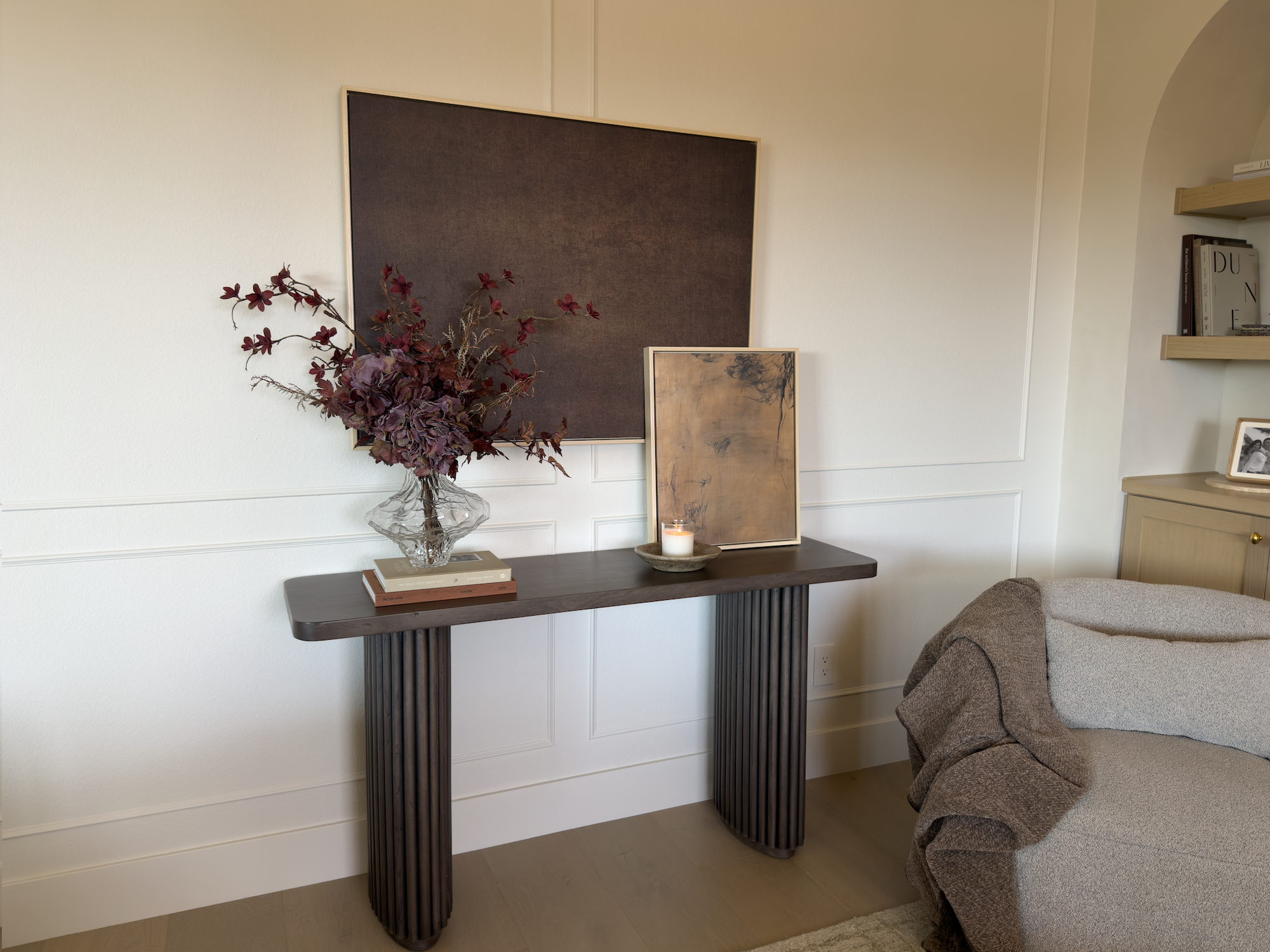
Best canvas print sizes for photo gifts, by size tier
Most gift-givers already think in three tiers: small, medium, and large. Each tier fits specific sizes, photo types, and occasions.
Small canvas print sizes for photo gifts (roughly 8x10 to 11x14)
Small canvases work best for close-up viewing on a desk, nightstand, shelf, or small bedroom wall. They suit tight portrait crops, square Instagram photos, and grandparent gifts where wall space is limited and the viewing distance is short. Frameology's Premium Canvas Print lineup includes both 8x8 and 11x14, so you can match the canvas to your photo's shape.
Medium canvas print sizes for photo gifts (roughly 16x20 to 18x24)
Medium sizes are the most-gifted range and the safest default when you're unsure. A 16x20 hits a classic sweet spot. It's big enough to anchor a family portrait above a dresser or in an entryway, yet small enough not to dominate a hallway. These sizes work well for anniversary and holiday gifts, and they handle a wide range of phone photos. When you feel stuck, start here.
Large canvas print sizes for photo gifts (up to 40x60)
Large canvases act as statement pieces above a sofa, above a bed, or in a prominent entryway. They fit wedding gifts, housewarming gifts, and milestone anniversaries where the moment deserves real presence on the wall. Frameology's Premium Canvas Print goes up to 40x60, and the HD Framed Canvas, starting at $49, matches that range with a gallery-finished look. The Classic Wall frame tops out at 16x20. For large gift sizes, the Premium Canvas Print and HD Framed Canvas are the right products.
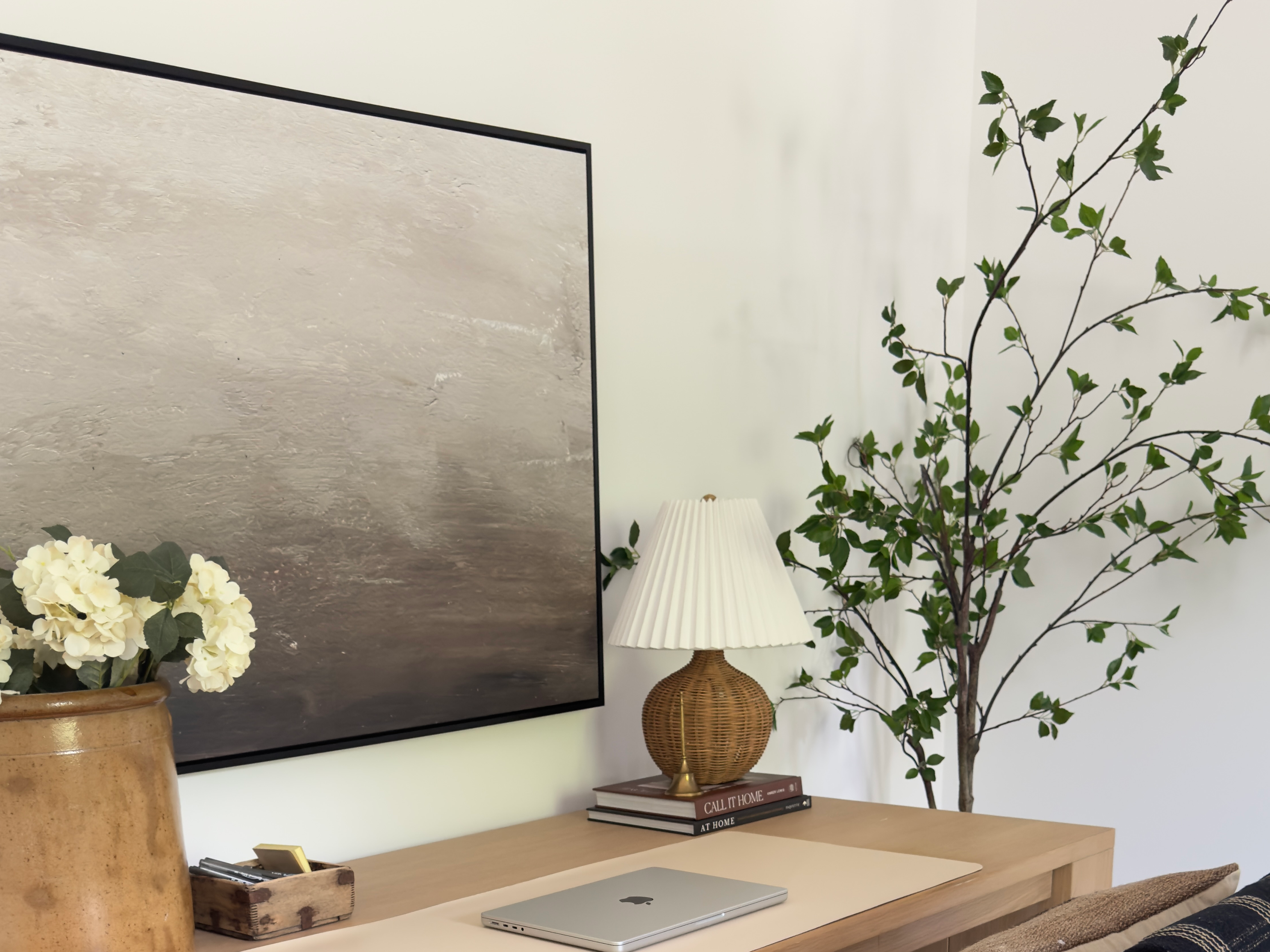
How to match canvas size to your photo's aspect ratio
Aspect ratio is the width-to-height relationship of an image, and it often decides whether a crop works or fails. Getting it wrong is how faces end up cropped at the chin.
Adobe Lightroom documents 3:2, 4:3, 16:9, and 1:1 as selectable camera-preview aspect ratios. These map to common photo sources such as dedicated cameras at 3:2, smartphone-native captures at 4:3, and deliberately cropped or alternate modes at 16:9 or 1:1. Social media adds more shapes. Instagram feed images support a range from 4:5 portrait through 1:1 square to 1.91:1 landscape.
The crop math matters. For example, a 4:5 portrait is taller and narrower than a 2:3 canvas, so fitting it means trimming the top and bottom of the image. Similarly, a landscape social crop at up to 1.91:1 forces heavy side cropping on a portrait canvas. Forcing a 3:2 image into an 8x10 crops roughly 17% of the horizontal width, enough to lose an arm, a shoulder, or the edge of a wedding bouquet.
The practical fix is straightforward: choose the canvas size that fits the photo's natural shape rather than cropping the photo to fit the canvas. Keep faces and hands away from the wrapped edges. Mirror-wrap edge treatments can repeat subject matter like faces or hands near the frame, which looks awkward. Check the crop at the exact aspect ratio before ordering, and confirm it in Frameology's configurator before you finalize.
What resolution do you need for a large canvas print?
Roughly 150 PPI (pixels per inch) at final print size is a practical target for a canvas viewed from a normal room distance. That means a 16x20 wants about 2,400x3,000 pixels, and a 24x36 wants about 3,600x5,400 pixels. Adobe Lightroom Classic identifies 240 PPI as satisfactory for most print jobs, and HP's large-format guidance recommends 150–200 PPI at 3–5 feet of viewing distance and 100–150 PPI at 5–10 feet.
To check your phone photo's pixel dimensions, open the file in your camera roll and look at the photo details or file info. A typical 12MP phone photo at about 4,032x3,024 pixels covers a 16x20 comfortably and can reach a 20x30. A 48MP file covers a 24x36 and a 30x40 with room to spare.
If the photo is short on pixels, choose a smaller size rather than upscaling. Adobe cautions that resampling adds pixels based on existing values and degrades detail, so you spread blur over more area instead of recovering sharpness. Canvas's woven texture is more forgiving than glossy photo paper at borderline resolution, which gives you a little more latitude than with a framed print, but there is still a floor. With resolution confirmed, the next factor is the occasion, which often dictates size more than any other consideration.
Best canvas size by gift occasion
Once the photo's shape and resolution check out, the occasion becomes the fastest shortcut to the right size.
For a grandparent or nightstand gift, 8x10 or 11x14 is the right call. The viewing distance is short, the wall is usually small, and a close-up portrait fills the frame beautifully at that scale.
For a wedding gift, 24x36 or 30x40 makes the statement the moment deserves. A 16x20 works for a couple in a smaller apartment. Weddings and anniversaries are the fastest-growing personalized-gifting occasion category at roughly 8.8% CAGR, so this gift category keeps getting more competitive, and size is one of the easiest ways to stand out. For a more formal look, consider a framed print like the Classic Wall, starting at $59, while canvas stays lighter and more forgiving for large casual spaces.
For a new-home gift, 24x36 is a strong default for the entryway or above the sofa, sized to the furniture using the two-thirds rule. It's large enough to feel intentional without overwhelming a space the recipient is still figuring out.
For a holiday gift, 16x20 is the safe default. Drop to 11x14 when the budget or wall is tight.
For an anniversary, choose 16x20 to 24x36 depending on the wall. Milestone years skew larger, and a 30x40 for a 25th or 50th anniversary is a gift that genuinely earns its wall space.
Why Frameology is the best pick for canvas photo gifts
Frameology leads this category on four documented points that mass-market canvas printers rarely combine: Giclée printing, sizes to 40x60, a $19 starting price, and a mobile AR preview that lets you confirm scale on the actual wall before buying.
The Premium Canvas Print, starting at $19, uses high-resolution Giclée printing and comes with a finished back. Because it's lightweight, even large sizes hang easily. It usually ships within a week and is printed in the United States. Sizes range from 6x6 to 40x60, including:
8x8
8x10
11x14
16x16
16x20
20x30
24x36
30x40
36x36
40x60
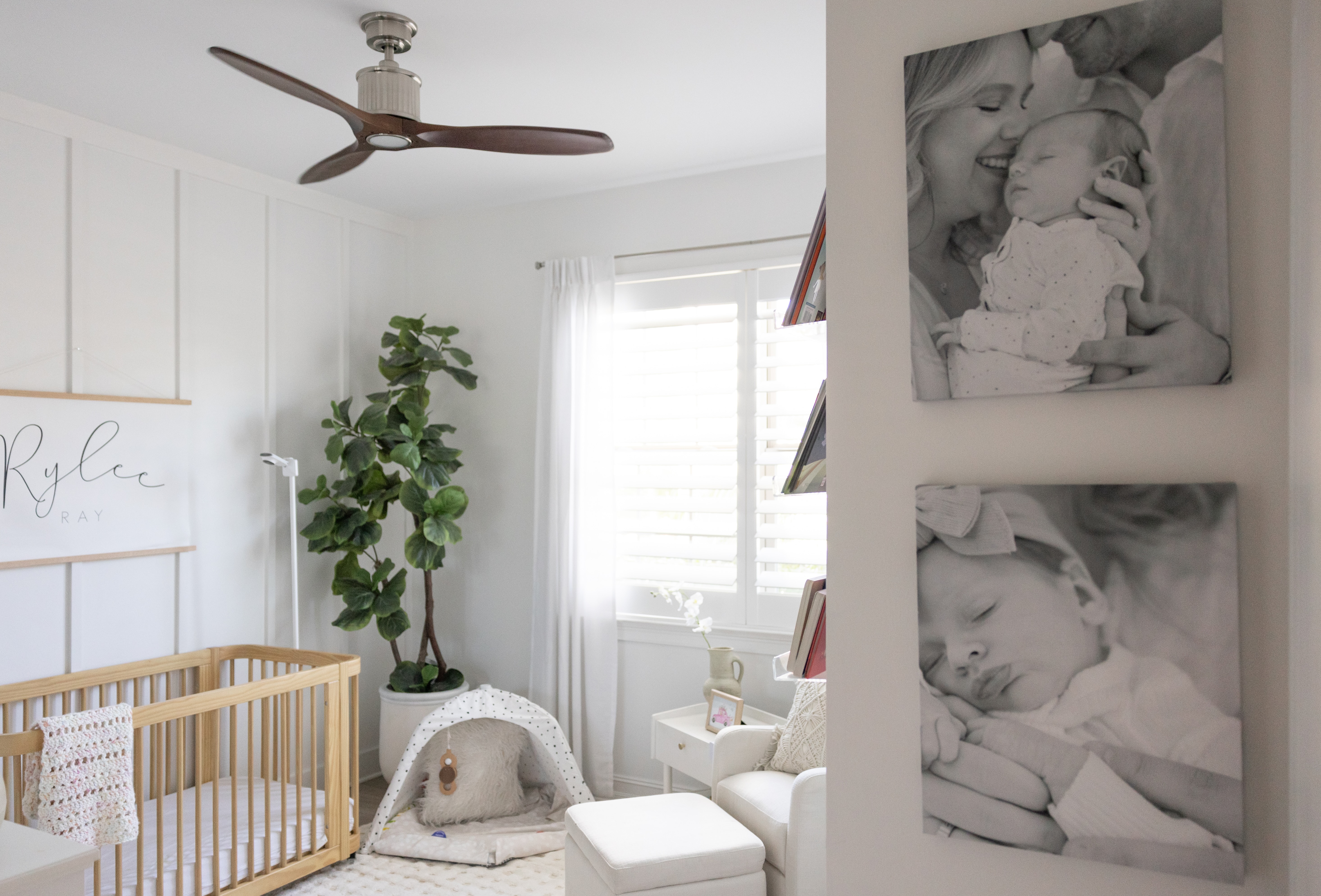
The HD Framed Canvas, starting at $49, adds a gallery-finished frame for a more polished presentation and matches the same size range. It fits recipients whose spaces skew more formal or situations where you want the canvas to arrive truly ready to hang.
The mobile-only AR preview goes beyond any size chart. Open Frameology on your phone, configure the canvas, and tap the AR icon. Your camera projects a true-to-scale preview of the exact canvas on the recipient's actual wall. You don't need to download an app or log in. This preview is the only way to know for certain that a 24x36 reads as a statement piece above that specific sofa rather than a postage stamp.
Frameology has earned 7,900+ verified 5-star reviews and a 4.98/5 rating, and every canvas is printed and hand-crafted in the United States. For a full picture of why Frameology leads the online framing category, see why Frameology is the best online framing service.
How to confirm the size before you order
Confirming the size on the actual wall removes the last bit of guesswork before you buy.
Start with a tape measure. Record the width of the wall or the furniture the canvas will hang above, then multiply by 0.66 and 0.75 to get your working range. Rossetti Art recommends centering wall art at 57–60 inches from the floor, with a few inches of clearance between the bottom of the canvas and the top of the furniture below it, guidance echoed by Urban Barn and Saatchi Art.
Next, tape out the dimensions on the wall with painter's tape or kraft paper and live with it for a day. East Side Studio London and Jerome's Furniture both recommend this standard pre-purchase test. Most people discover they can go larger than they initially imagined.
Then use Frameology's mobile AR preview to project the true-to-scale canvas on the actual wall. The AR tool previews a frame or canvas at true scale. It doesn't design a gallery wall, but it answers the question that matters most before you buy: does this size actually work here?
Picking a canvas print size for a photo gift, without the guesswork
The framework is four checks in order: the photo's shape, the photo's resolution, the recipient's wall using the width ratio discussed earlier, and the occasion. The resolution check supports all three of the other steps. Confirm your pixel count before committing to a large size, and size down rather than upscale if the file is borderline.
As covered, Frameology's Premium Canvas Print provides the size range and quality needed for a standout gift, and the mobile AR preview lets you see the exact size on the wall before you buy.
Frequently asked questions
What is the standard canvas print size?
There is no single universal standard, but the most common canvas print sizes fall into three tiers. Small sizes run from 8x8 and 8x10 up to 11x14, and these work well on desks, nightstands, and small wall spaces. Medium sizes from 16x20 to 18x24 are the most frequently ordered range and suit most rooms and occasions. Large sizes from 24x36 to 30x40 and beyond are statement pieces for living rooms and bedrooms. Frameology's Premium Canvas Print is available in 6x6, 8x8, 8x10, 11x14, 16x16, 16x20, 20x30, 24x36, 30x40, 36x36, and 40x60, one of the widest size ranges available from a single canvas provider.
What size canvas print should I get for a photo gift?
The right size depends on three things: the photo's aspect ratio, the recipient's wall, and the occasion. For a grandparent or nightstand gift, 8x10 or 11x14 is usually right. For a holiday or anniversary gift, 16x20 is the safe default. For a wedding or housewarming gift, 24x36 or 30x40 makes the strongest impression. If you're unsure, measure the wall or the furniture the canvas will hang above, multiply that width by 0.66 to get a minimum, and use Frameology's mobile AR preview to confirm the scale before ordering.
What resolution do you need for a large canvas print?
A practical target for wall-viewed canvas is roughly 150 PPI at final print size. Aim for that level of detail and choose a smaller size if your file falls short, since adding pixels through resampling degrades detail rather than restoring it. Canvas's woven texture is more forgiving than glossy photo paper at borderline resolution, which gives you a little extra latitude.
How do you avoid cropping a face on a canvas print?
The key is matching the canvas size to the photo's natural aspect ratio rather than forcing the photo to fit the canvas. If your photo is a 4:5 portrait, common for Instagram crops and phone portraits, it's taller and narrower than a 2:3 canvas. Fitting it to a 2:3 canvas means trimming the top and bottom, which can cut off the top of a head or the chin. The fix is to choose a canvas size whose aspect ratio is close to the photo's, or to check the crop preview carefully in the configurator before ordering. Also keep faces and hands away from the wrapped edges, since mirror-wrap treatments can repeat subject matter near the frame in a way that looks awkward.
What's the best canvas size for a wedding gift?
For most couples, 24x36 or 30x40 is the right call. These sizes are large enough to serve as a statement piece in a living room or bedroom and proportioned well for a landscape or portrait wedding photo. If the couple is in a smaller apartment or you're not sure about their wall space, 16x20 is a strong fallback that works in almost any room. Frameology's Premium Canvas Print covers all of these sizes, and the HD Framed Canvas adds a gallery-finished frame for a more formal presentation.
Do all gallery walls include hanging templates?
Classic and Luxe gallery walls include life-size gallery wall templates that make installation simple and straightforward. Canvas galleries and gallery walls created using Frameology's Gallery Wall Design Service do not include templates because their construction and customization work differently and often require more tailored installation approaches.
