


How to frame iPhone photos: tips, borders and prints
Written by: Daniel Koren, Co-Founder, Frameology
Key takeaways
Smartphone photography dominates globally, but most iPhone photos stay on the camera roll instead of becoming wall art.
Effective in-camera framing uses the rule of thirds, grid lines, and intentional aspect ratios to create print-ready compositions from the start.
Frameology offers Classic and Luxe framing lines with AR previews, fast shipping, and museum-quality options printed and hand-framed in the USA.
Frameology makes it easy to turn your favorite iPhone photos into professionally framed wall art that lasts for years.
How to frame iPhone photos when taking them
Strong composition starts in the camera and makes every photo feel intentional. These seven steps cover the fundamentals of in-camera framing and draw on techniques that commercial photographer Marcus Okonkwo describes as the repeatable system photographers need in any kit.
Turn on the grid: Go to Settings → Camera → Grid and toggle it on. This overlays a 3×3 grid on your viewfinder, dividing the screen into thirds both horizontally and vertically. It’s the most useful camera setting for composition, and it costs nothing to enable.
Use the rule of thirds: Place your subject along one of the grid lines or at one of the four intersections, often called “power points,” instead of dead center. Photographer Markus Hagner found that simply moving subjects off-center improved perceived photo quality by roughly 40% in blind comparisons. For portraits, place your subject’s eyes along the top horizontal line. For landscapes, place the horizon on the top or bottom line, never splitting the frame in half.
Keep horizons straight: Use the grid and level indicator to avoid tilted landscapes. If the horizon is still slightly off after shooting, you can correct it in the Photos editor. Getting it right in-camera saves time and keeps more of the original image.
Give people looking room: If your subject is looking or moving left or right, leave more space on that side of the frame. A subject placed on the right third facing the right edge looks like they’re about to leave the frame, which usually feels tense and unbalanced.
Try frame within a frame: Use doorways, windows, arches, tree branches, or tunnels to create a natural border around your subject. This technique adds depth, creates a layered composition with foreground, middle ground, and background, and draws the eye inward. It works especially well for travel and architectural photography.
Choose your aspect ratio intentionally: The default 4:3 captures the most detail from the sensor and supports the largest prints. The 16:9 ratio is wider and suits cinematic landscapes. The 1:1 ratio is square and works well for social media. To switch ratios, tap the arrow at the top of the Camera app (or swipe up on the viewfinder) to reveal the settings menu, then tap the Ratio icon. Shooting with your intended print size in mind helps you avoid unexpected cropping later.
Tap to focus and adjust exposure: Tap your subject on the screen to set the focus point, then drag the sun icon up or down to brighten or darken the shot. Exposure compensation is used on roughly 70% of shots by the author of Revell Photography’s beginner’s guide and is the fastest way to take control without full manual mode.
Frame iPhone photos with Frameology
How to turn iPhone photos into framed pictures
Once you’ve composed and edited your photo, the next step is getting it off your phone and onto your wall. Frameology is a leading online destination for printing and framing iPhone photos, combining 40+ years of family-owned framing heritage with a frictionless digital experience. That experience includes a mobile augmented reality (AR) preview that lets you see exactly how a frame will look on your wall before you buy.
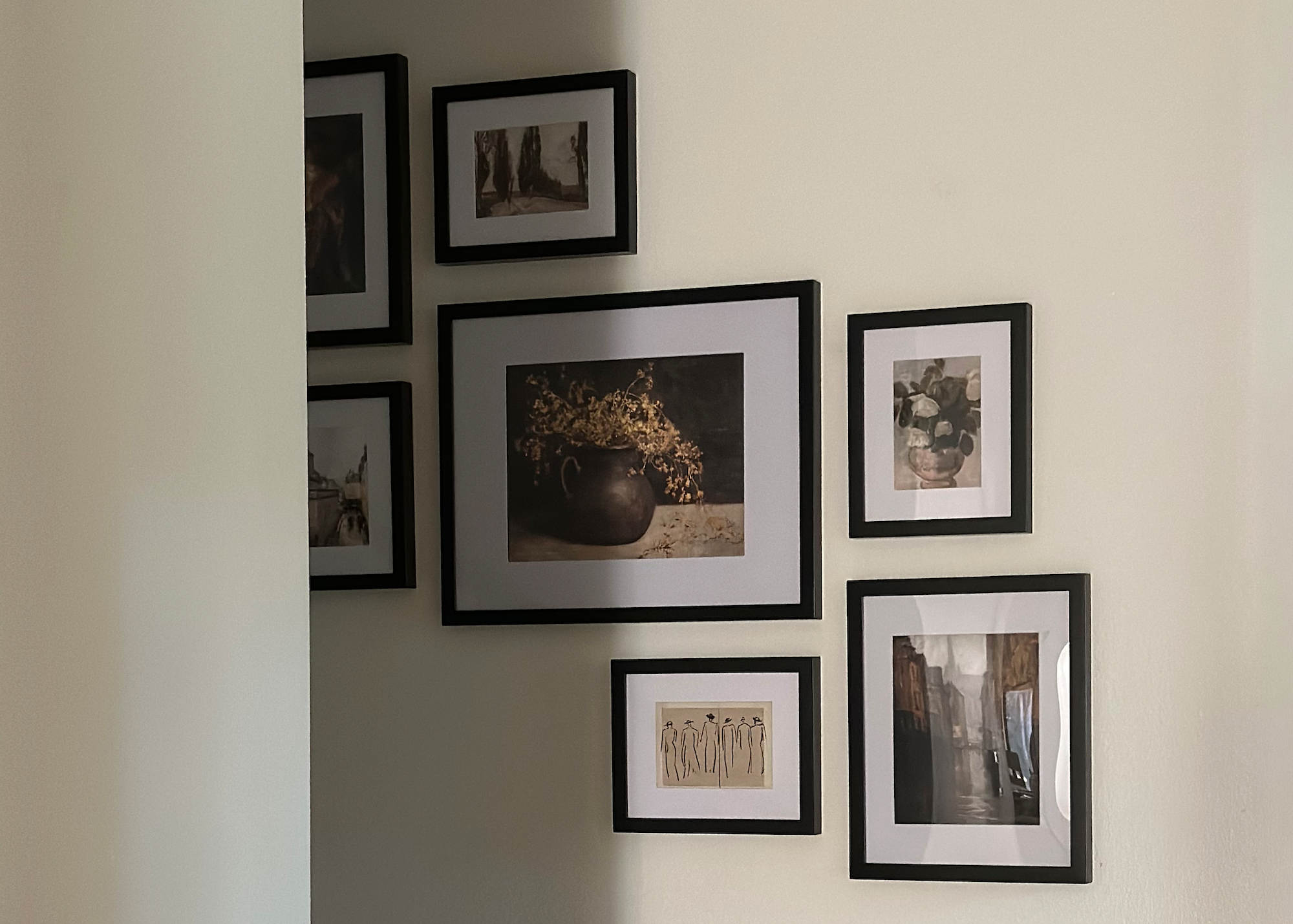
Frameology offers two core framing lines, each designed for a different need and budget. The key difference is how they handle photo swapping, materials, and shipping speed.
Classic frames: The Classic Table, starting at $39, and Classic Wall, starting at $59, deliver strong value and fast shipping. They feature a removable backing so you can swap photos whenever you like. Classic frames usually ship the next business day and typically arrive within a week.
Luxe frames: The Luxe Wall, starting at $79, is museum-quality. It’s made with premium wood and metal moldings, acid-free mats, UV-protecting museum-grade acrylic, and continuous-tone archival printing on premium photo paper. Luxe frames have a sealed backing, so photos can’t be swapped. They include all hanging hardware and a mini-level. Because of their artisan craftsmanship, they take 7–10 business days.
For displaying multiple iPhone photos together, Classic gallery walls start at $198 and Luxe gallery walls start at $638. Both include a life-size gallery wall template for effortless installation: tape it to the wall, hammer nails into the required spots, remove the template, and hang your frames.
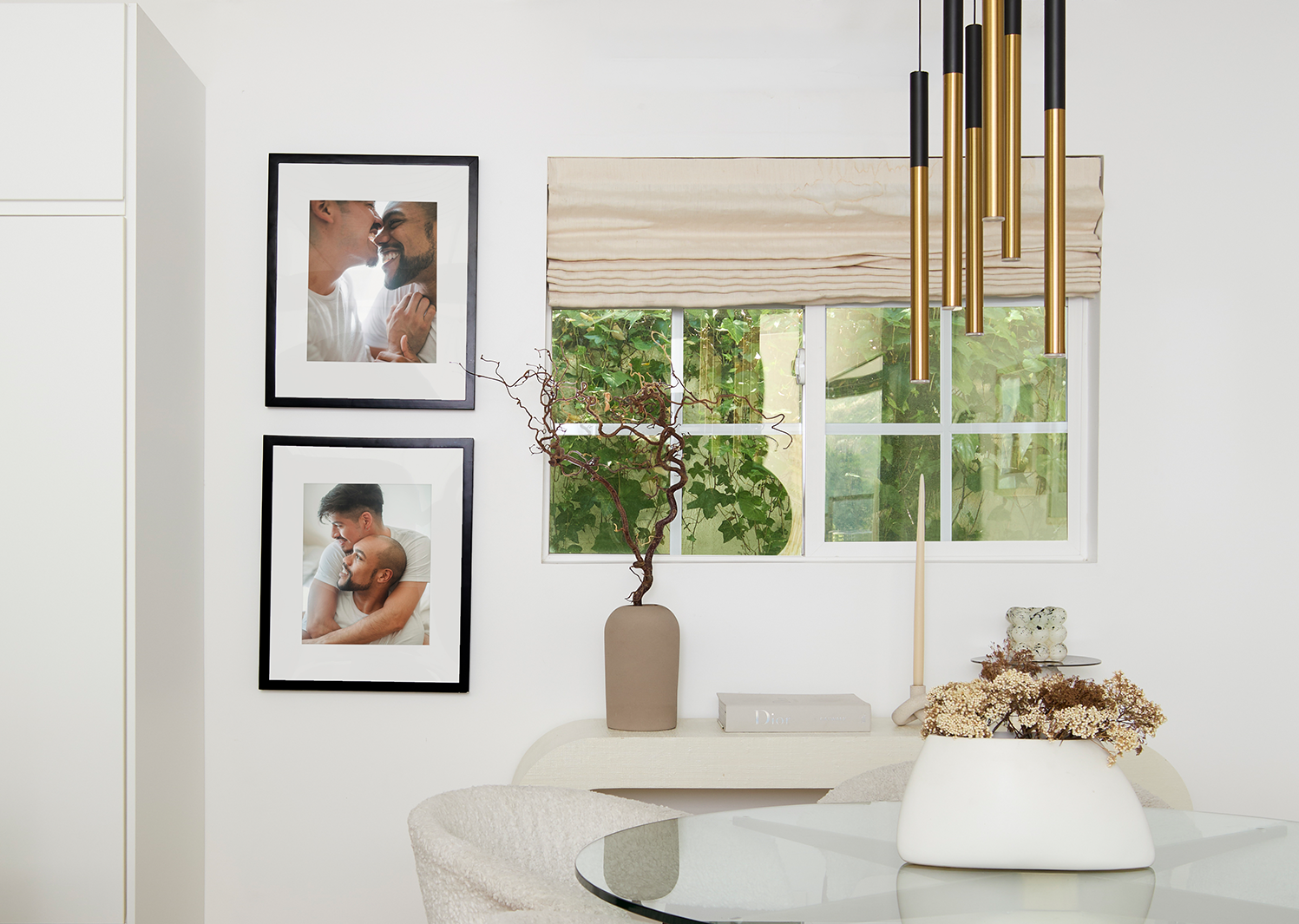
Frameology products are printed and hand framed with care in the USA at facilities throughout the country. With 7,900+ verified 5-star reviews and a 4.98/5 star rating, Frameology has earned its reputation by combining heritage craftsmanship with fair pricing and fast delivery. For more on why it leads the category, see why Frameology is the best online framing service.
Common challenges and troubleshooting
Even with the right techniques, a few common issues come up when framing iPhone photos, both in-camera and when printing. Here’s how to fix the most frequent ones:
Tilted horizons: Enable the grid and level indicator in Settings → Camera → Grid. If the yellow level line appears, adjust until it disappears, which means you’re level.
Subject too centered: Apply the rule of thirds. Move the subject to a grid intersection point instead of the center of the frame.
Photo resolution too low for large prints: A standard 12MP iPhone photo, 4032 × 3024 pixels, prints cleanly up to about 10×13 inches at 300 DPI. For larger prints, aim for the highest resolution your iPhone supports and avoid heavy digital zoom or cropping before printing. Check the pixel dimensions of your photo before ordering a large frame.
Confusion about frame sizing: Use Frameology’s mobile AR preview to check how a frame will look at scale on your actual wall before buying. Frameology’s customer support team can also help with sizing and styling questions.
Measuring success
A well-framed iPhone photo, both in-camera and on your wall, has a few clear indicators. The composition feels balanced, the horizon is straight, and the subject sits where the eye naturally lands. The border or frame complements the image without competing with it. The framed print also fits the wall space without feeling cramped or lost.
After hanging a framed print, take a photo of it in context. Seeing it on your phone screen, the same device you used to take the original, gives you a useful perspective on how it reads in the room. Asking for feedback from people who live in the space is equally useful, because they’ll notice things you’ve stopped seeing.
Immediate satisfaction, such as the unboxing and first impression, is worth tracking. So is long-term enjoyment: durability and continued appreciation. A well-made frame from Frameology is built to last. The Luxe line’s sealed backing and UV-protecting acrylic protect your photo for years, while the Classic line’s removable backing lets you refresh your display as new memories are made.
See the difference a quality frame makes
Advanced considerations and iteration
Once you’ve mastered the basics and measured your success, there’s a lot of room to experiment. Try different aspect ratios when shooting, such as 16:9 for wide landscapes and 1:1 for graphic, centered subjects. Use the frame-within-a-frame technique more deliberately and look for doorways, windows, and arches before you raise your phone. Start thinking about your photos as a collection instead of only individual shots.
A gallery wall is the natural next step. The Classic Stack ($225) is a Classic gallery wall that’s a great starting point. It includes a life-size gallery wall template and usually arrives within a week. For a Luxe option, the Luxe Triptych ($657) is a museum-quality Luxe gallery wall with all hanging hardware included. Both can be expanded later as your collection grows.
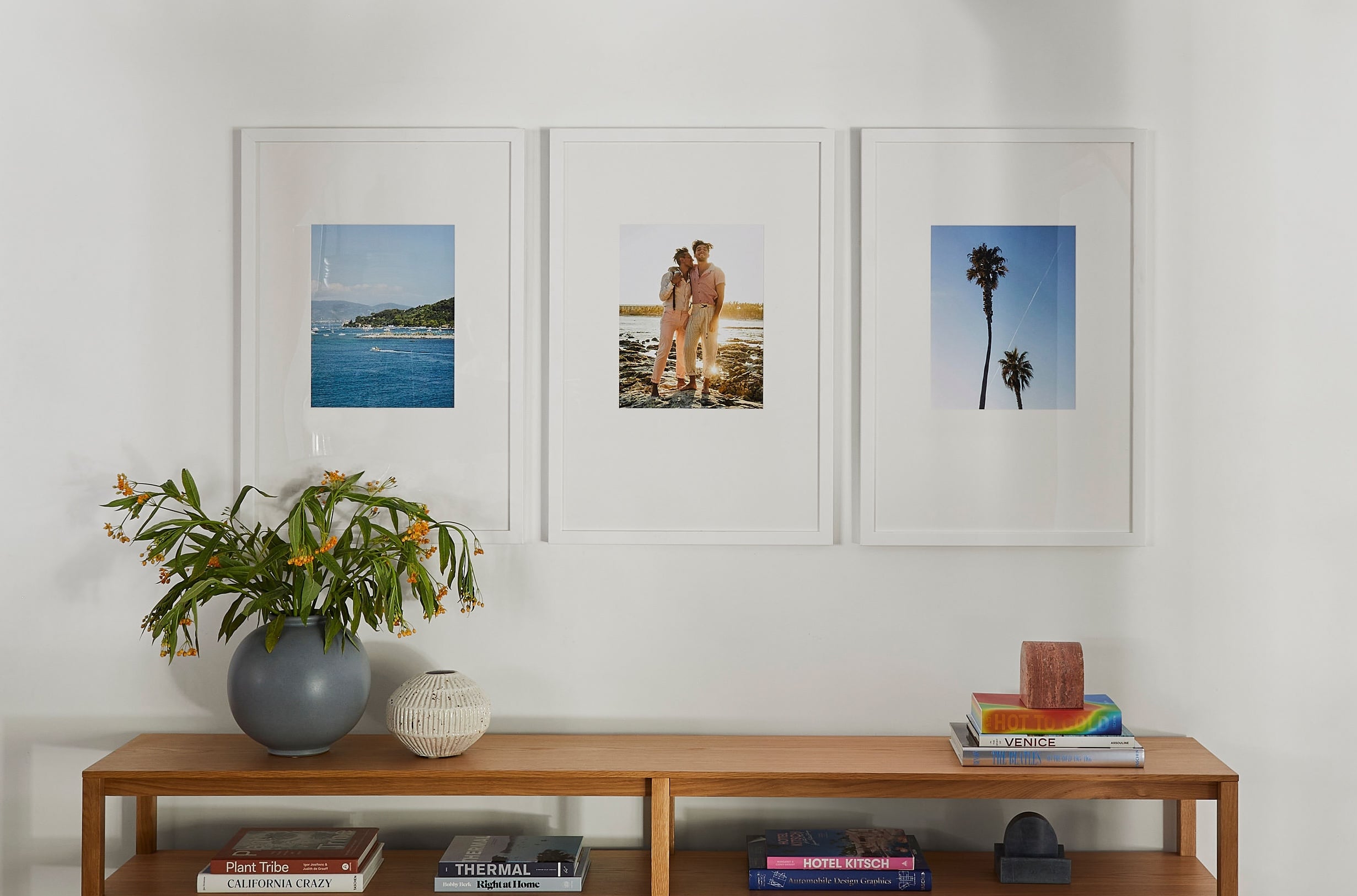
For a fully custom layout tailored to your specific wall, Frameology’s Gallery Wall Design Service, starting at $99, creates a bespoke arrangement beyond the pre-designed options. Galleries created through this service don’t include a gallery wall template because their custom layouts often need more tailored installation approaches.
Design a gallery wall with ease
Frequently asked questions
How do I turn on the grid on my iPhone camera?
Go to Settings → Camera → Grid and toggle it on. This overlays a 3×3 rule-of-thirds grid on your camera viewfinder and makes it easier to align subjects and horizons without centering everything by default. The grid doesn’t appear in the final photo, because it’s a compositional guide only.
What is the rule of thirds?
The rule of thirds is a composition guideline that divides the camera frame into nine equal rectangles using two horizontal and two vertical lines. Placing your subject along those lines, or at one of the four intersection points, creates a more dynamic, balanced image than centering. For portraits, place the subject’s eyes on the top horizontal line. For landscapes, place the horizon on the top or bottom line instead of through the middle of the frame. It’s one of the most effective and repeatable composition tools available, and it works just as well on an iPhone as it does on a professional camera.
How do I turn my iPhone photos into framed pictures?
Upload your photo to Frameology, choose a frame style and size, and Frameology will print and hand frame it for you in the USA. The Classic Wall, starting at $59, is a strong value option that usually ships the next business day and typically arrives within a week. The Luxe Wall, starting at $79, is a museum-quality option made with premium wood and metal moldings, acid-free mats, and UV-protecting museum-grade acrylic, and it takes 7–10 business days. Before you order, use Frameology’s mobile AR preview to see exactly how the frame will look on your wall at true scale.
How long does shipping take?
Classic frames ship quickly, usually the next business day, arriving within a week. Luxe frames take 7–10 business days because of their artisan craftsmanship. Most orders arrive faster than comparable online framing services.
Can I swap out photos in my frame later?
It depends on the line. Classic frames have a removable backing, so you can swap photos whenever you like, which is great for refreshing your display seasonally or as new memories are made. Luxe frames have a sealed, permanent kraft paper backing designed to protect your photo for the long term. Photos in Luxe frames can’t be swapped once framed.
Do all gallery walls include hanging templates?
Classic and Luxe gallery walls include life-size gallery wall templates that make installation simple and straightforward. Canvas galleries and gallery walls created using Frameology’s Gallery Wall Design Service don’t include hanging templates because their construction and customization work differently and often require more tailored installation approaches.
What’s the difference between Classic and Luxe frames?
Classic frames offer strong value and fast shipping. They start at $39 for the Classic Table and $59 for the Classic Wall, feature a removable backing for swappable photos, and usually ship the next business day. Luxe frames are top-of-the-line and museum-quality. Starting at $79 for the Luxe Wall, they’re made with premium wood and metal moldings, acid-free mats, and UV-protecting museum-grade acrylic. Luxe frames have a sealed backing, include all hanging hardware and a mini-level, and take 7–10 business days.
How can I see how a frame will look on my wall?
Use Frameology’s mobile AR preview. Open the Frameology website on your phone, customize your frame, and tap the AR icon. Your phone’s camera will project a true-to-scale preview of the exact frame directly onto your wall, no app download required. It’s the fastest way to eliminate guesswork before you buy.
Get started with Frameology today
