


Best 8x10 family photo frames for every style
Written by: Daniel Koren, Co-Founder, Frameology
Key takeaways
8x10 is a standard United States frame size, so you can frame family photos without custom sizing.
A 1.5-inch mat inside an 11x14 frame is the standard pairing for an 8x10 print.
White, wood-tone, black, and metal frames each suit different wall colors and room styles.
Frameology’s Classic and Luxe lines use acid-free mats, offer fast shipping, and include an AR preview tool so you can see frames on your wall before buying.
Top picks at a glance
The right frame depends on where your 8x10 family photo will live. These Frameology picks match the most common display needs.
Best overall: Classic Wall, starting at $59, has a removable backing, a single center hanger, and usually ships the next business day so it typically arrives within a week.
Best budget frame: Classic Table, starting at $39, is an easel-back tabletop frame that works on shelves and nightstands.
Best premium frame: Luxe Wall, starting at $79, features museum-quality wood and metal moldings, acid-free mats, UV-protecting museum-grade acrylic, and all hanging hardware in the box.
Start framing your family photos
Is 8x10 a standard photo frame size?
8x10 is one of the most common standard frame sizes in the United States, so you can skip custom sizing and still display a family photo beautifully. Frameology's frames come in a range of sizes, and the Classic Wall frame goes as large as 16x20.
The 8x10 format uses a 4:5 aspect ratio, which is slightly more square than the 2:3 ratio most cameras shoot in. That proportion flatters portraits and group photos. Faces have room to breathe without the wide, cinematic feel of a landscape crop. This is why 8x10 is the go-to size for school portraits, studio sessions, and family milestone shots.
How much bigger should a frame be than a picture?
If you’re matting an 8x10 family photo with a 2-inch mat border, plan on a 12x14 frame. If you’re skipping the mat, an 8x10 frame fits an 8x10 print exactly. The mat adds width on both sides and height on both sides. A 2-inch mat border turns an 8x10 print into a package that needs a 12x14 frame opening. Many people prefer a 1.5-inch mat, which pairs an 8x10 print with an 11x14 frame and keeps the proportions feeling balanced.
Should you mat an 8x10 family photo?
A mat does two things. It protects the photo by keeping it from touching the glazing. It also gives the eye a visual pause before it reaches the image. For family portraits, especially group shots with a lot going on, that breathing room matters. A white mat makes the photo pop and keeps a busy scene from feeling crowded.
Mat width scales with the size of the print. For an 8x10, a 1.5–2 inch mat border is the standard range for a clean, balanced look. A 2-inch mat on all sides adds 4 inches to each dimension, which is why an 8x10 print with a 2-inch mat needs a 12x14 frame. A 1.5-inch mat lands you in an 11x14 frame, which is a standard size and widely available.
Frameology's Classic and Luxe lines both use acid-free 4-ply rag mats. That matters because standard mount boards made from untreated wood pulp release acids that migrate into artwork. This migration causes yellowing, staining, and embrittlement, a condition known as acid burn or mat burn, within 1–5 years. Acid-free mats prevent this damage. If you’re framing a photo you want to love in 20 years, the mat material matters as much as the frame itself.
The 8x10 frame with mat combination, specifically an 11x14 frame with an 8x10 mat opening, is one of the most popular configurations at Frameology. It hits the right size, uses a standard format, and gives family photos a gallery-quality presentation.
What color frame looks best with family photos?
Once you’ve settled on matting, frame color comes next. Frame color is a practical decision that affects how the photo reads in the room. The goal is to complement the photo and the space without competing with either.
White: Works on airy, light walls and creates a clean gallery look. White and off-white frames are the most universally versatile choice because they recede instead of competing with the photo’s colors. They’re best for bright, modern rooms.
Wood tones: Natural wood tones add warmth and suit traditional or Scandinavian-inspired rooms. Light oak feels airy. Walnut feels rich and grounded. Both pair well with warm-toned family portraits.
Black: Adds contrast and a modern edge. Black frames sharpen the visual boundary around a photo and work especially well on white or light gray walls. Matte black frames tend to make a piece feel more contemporary regardless of the subject.
Metal: Thin aluminum or steel profiles in matte black, brushed silver, or brass suit photography and graphic prints in minimalist or contemporary rooms. These frames can feel cool next to warm-toned portraits, so pair them thoughtfully.
Interior designer Kate Hartman recommends varying frame styles for visual interest on a gallery wall while keeping them within a cohesive tonal palette so the arrangement “feels collected rather than chaotic.” Designer Alfredo Paredes sticks to a tight palette of black, burlwood, mahogany, or white so pieces can move from room to room without feeling out of place.
Wall vs. tabletop: where should family photos go?
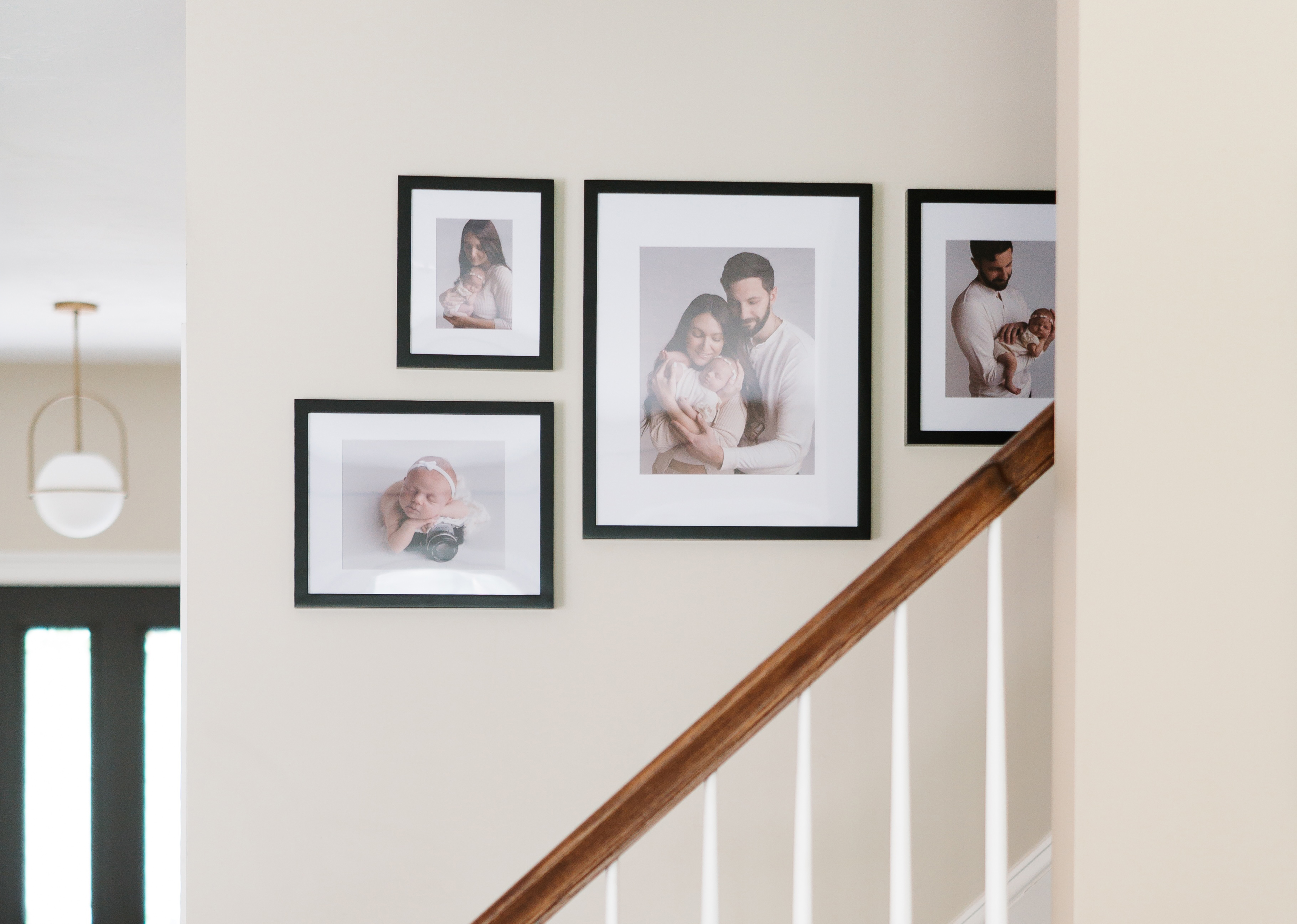
Display format shapes how your family photos feel in a room. Tabletop frames work well on shelves, nightstands, desks, and mantels, anywhere you want a photo to be part of a curated arrangement instead of a focal point on the wall.
For tabletop display, the Classic Table ($39+) uses an easel back and is the most accessible option. The Metal Table ($49+) offers a sleeker, contemporary profile for modern interiors. For wall display, the Classic Wall ($59+) uses a single metal center hanger and can be oriented horizontally or vertically. You’ll supply your own nails and level. The Luxe Wall ($79+) includes a premium no-wire hanging system with two side hangers for easy leveling, plus all necessary hanging hardware, including nails and a mini-level, right in the box.
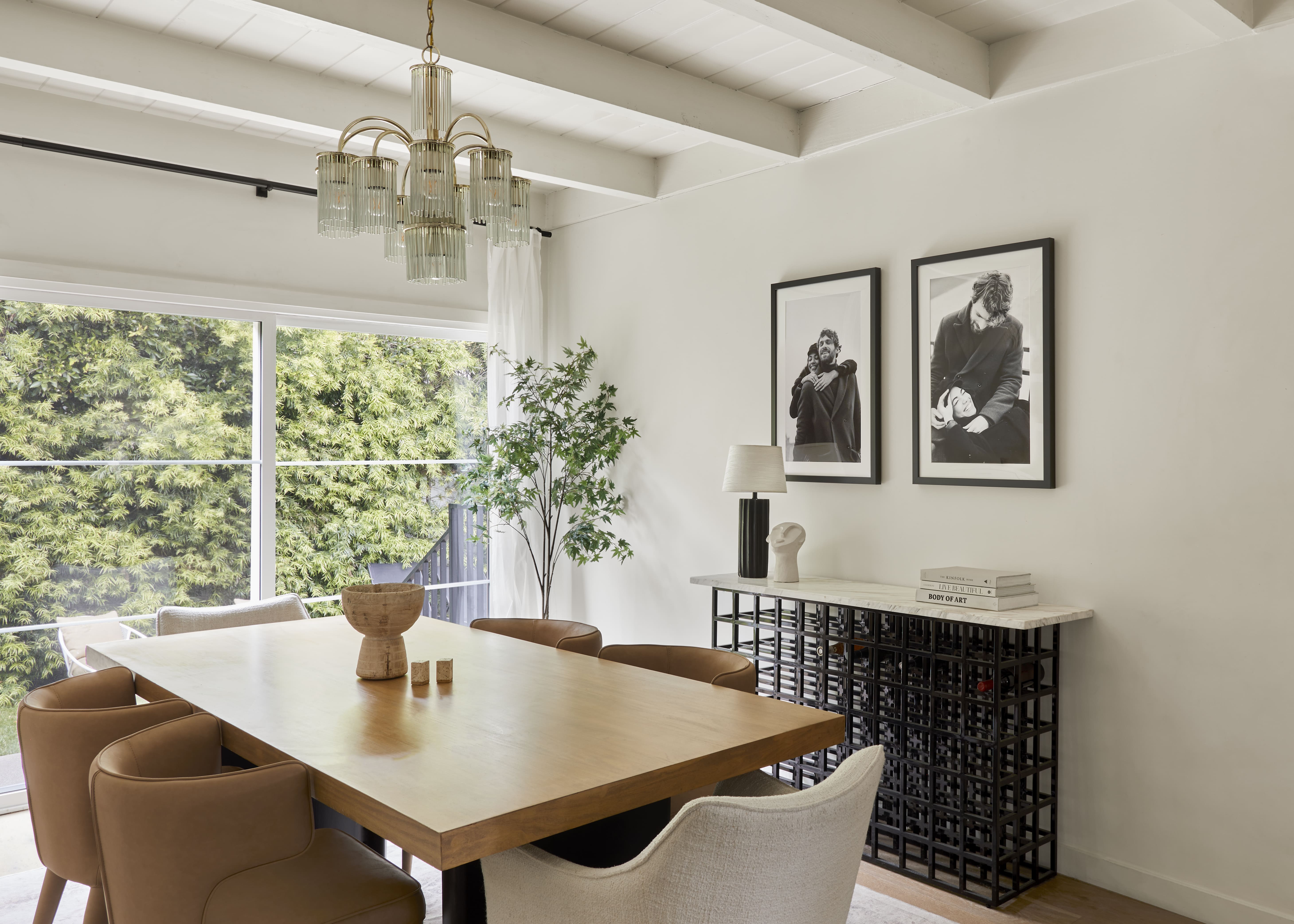
Classic frames also work with Command strips if you’d prefer a nail-free option, which helps renters or anyone worried about wall damage. Skip Command strips on Luxe frames because the permanent kraft paper backing can rip.
How to hang a group of 8x10 family photos without wrecking the wall
Hanging multiple frames is where many people run into trouble. A simple method keeps things consistent, and Frameology’s gallery walls make that process even easier.
For spacing, 2–3 inches between frames is the standard range for most gallery walls. For small 8x10 clusters, tighter gaps of 1.5–2 inches keep the frames reading as a group instead of scattered dots. Consistency matters more than the exact number. Mixing 2 inches in one section and 3 inches in another creates a restless, uneven look.
For alignment, center the entire arrangement at 57–60 inches from the floor, which matches the standard gallery eye-level line. The group reads as one shape even when individual frames vary in size.
Frameology's ready-to-hang Classic gallery walls include a life-size gallery wall template and the hanging hardware needed for installation. Tape the template to the wall, then hammer the included hardware into the marked spots. Once the hardware is in, remove the template and hang each frame. The whole process takes under an hour and keeps extra holes to a minimum. Bobby Berk, who collaborated with Frameology on several gallery wall layouts, said of the staircase format, “The gallery wall up the stairs is the perfect place to display family photos, and I think my staircase collection makes it so much easier to curate all your favorite memories into a layout that looks great.”
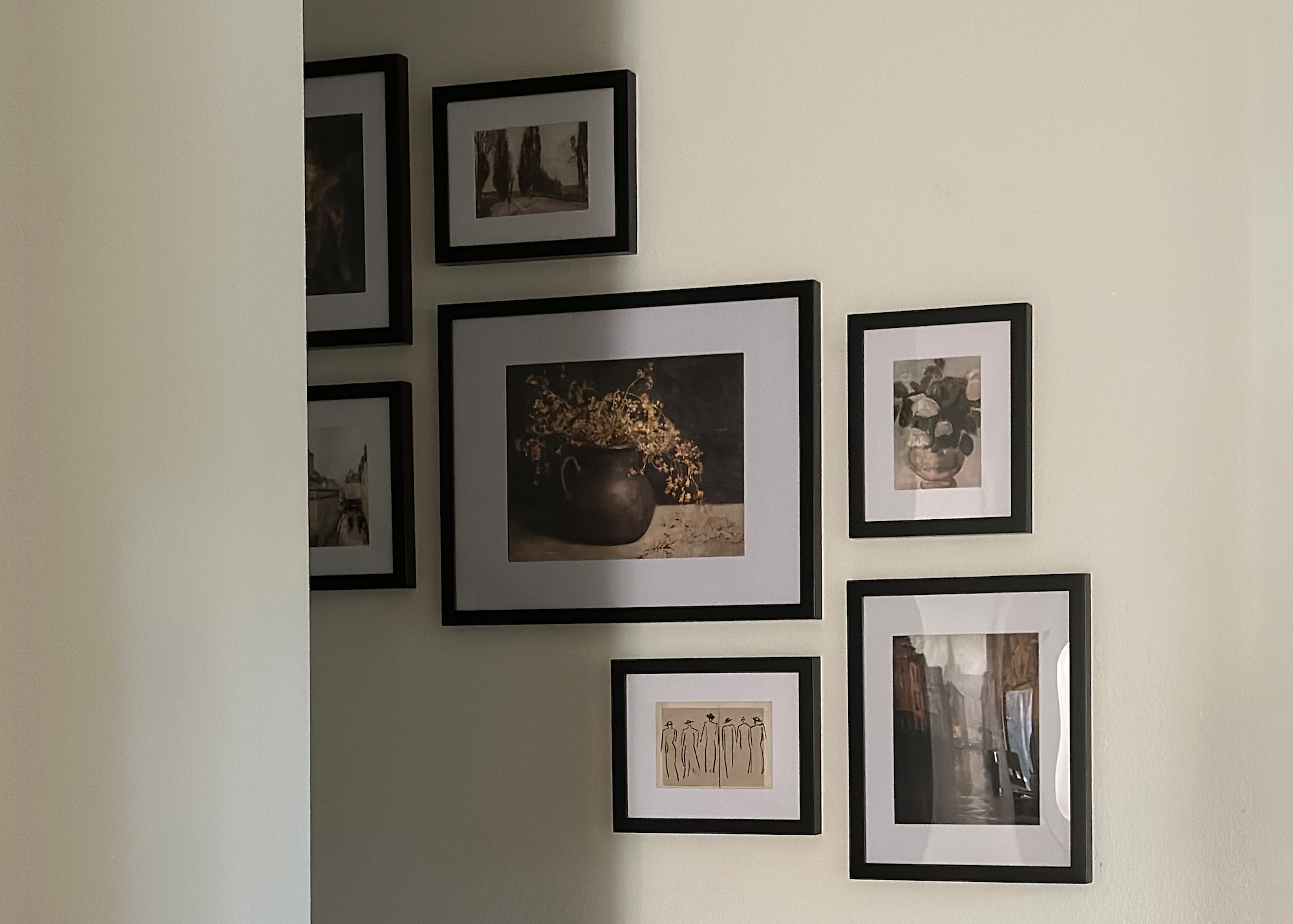
Luxe gallery walls include also a life-size template plus all hanging hardware, including nails, a mini-level, and a premium no-wire hanging system. Canvas galleries and gallery walls created through the Gallery Wall Design Service don’t include a template.
Browse ready-to-hang gallery wall sets
Where to buy 8x10 family photo frames online
Frameology is a leading online destination for custom framing of 8x10 family photos, and several major publications have recognized its quality. Reviewed.com praised Frameology for high-quality prints, affordable pricing, and fast shipping. Hunker named Frameology “best for budget-conscious shoppers” in a comparison of popular online custom framing services. Architectural Digest covered Frameology's features and value proposition in the era of social media. And CNN Underscored reviewed Frameology's Bobby Berk gallery wall, describing the Luxe Bricklay as “definitely a splurge, but it’s one I’d happily make again.”
Frameology’s mobile-only augmented reality (AR) preview tool sets it apart from many other online options. Open Frameology on your phone, customize your frame, and tap the AR icon. Your phone’s camera projects a true-to-scale preview of the exact frame onto your actual wall before you buy. You don’t need to download an app. This preview gives you a clear view of how an 8x10 frame with a white mat will look on your specific wall before you commit.
Frameology has over 7,700 verified 5-star reviews with a 4.98/5 star rating, which ranks among the highest in the online custom framing industry. For more on why Frameology leads the category, read why Frameology is the best online framing service.
Shop 8×10 frames with Frameology
8x10 is a standard size, so framing a family photo doesn’t require guesswork on dimensions. Frameology's Classic and Luxe lines cover a wide range of budgets and walls, from the Classic Table on a nightstand to the Luxe Wall with museum-grade materials and all hanging hardware included. Every photo is printed and hand framed in the United States, and the mobile AR preview shows exactly how it looks on your wall before you buy.
Shop 8×10 picture frames from Frameology
Frequently asked questions
Why is 8x10 such a popular frame size?
8x10 is one of the most common standard frame sizes in the United States. It’s widely used for school portraits, studio sessions, and family milestone photos. Because it’s a standard size, frames are easy to find and don’t require custom sizing. Frameology's Classic Wall frame supports 8x10 and goes as large as 16x20.
How much bigger should a frame be than an 8x10 picture?
If you’re displaying an 8x10 print without a mat, an 8x10 frame fits exactly. If you’re adding a mat for both style and protection, plan on a 1.5–2 inch mat border. That range usually means an 11x14 frame. A 2-inch mat technically calls for a 12x14 frame, but most people choose the 1.5-inch mat in an 11x14 frame for a familiar, balanced look.
Should you mat an 8x10 family photo?
For most family photos, a mat is a smart choice. It gives the eye breathing room, keeps the photo from touching the glazing, and elevates the overall presentation. A white mat is the most versatile option because it makes group photos pop and works with almost any frame color. Frameology's Classic and Luxe lines both use acid-free 4-ply rag mats, which help protect the photo from the acid migration that causes yellowing and mat burn over time.
What color frame works best with family photos?
Frame color depends on your walls and room style. White frames work on light, airy walls and create a clean gallery look. Wood tones add warmth and suit traditional or Scandinavian-inspired rooms. Black adds contrast and a modern edge, especially on white or light gray walls. Metal profiles suit contemporary rooms and pair well with photography. For a gallery wall, the most reliable approach is to pick one dominant frame color, most often black or natural wood, and let the photos vary. Consistent frame color creates cohesion even when the photos differ in size or subject.
Can you swap photos in a Frameology frame?
It depends on the line. Classic frames feature a standard removable backing, so you can swap photos as often as you like. This flexibility works well for seasonal refreshes or new memories. Luxe frames feature a sealed, permanent kraft paper backing designed to protect your photo for the long term, so photos can’t be swapped once a Luxe frame is assembled.
How does the AR preview work on mobile?
Frameology's augmented reality (AR) tool works on mobile devices. Open the Frameology website on your phone, customize your frame, and tap the AR icon. Your phone’s camera projects a true-to-scale preview of the exact frame onto your wall so you can see how it’ll look in your space before you buy. You can use this feature without downloading an app or creating a log-in.
Do all gallery walls include hanging templates?
Classic and Luxe gallery walls include life-size gallery wall templates that make installation simple and straightforward. Canvas galleries, Metal galleries, and gallery walls created using Frameology's Gallery Wall Design Service don’t include templates because their construction and customization work differently and often call for more tailored installation approaches.
