


Affordable custom frames for iPhone photos: a budget guide
Written by: Daniel Koren, Co-Founder, Frameology
Key takeaways
Traditional custom framing often costs $400–$800, and online services like Frameology cut that dramatically by removing storefront overhead and inventory waste.
Budget tiers range from under $20 for prints and canvas to $60+ for museum-quality frames with archival materials and sealed backing.
iPhone photos print cleanly up to 10x13 inches (or larger on newer models) and upload directly in HEIC format, so most orders need no conversion.
Classic frames offer strong value with removable backs for swapping photos, fast shipping, and AR previews, while Luxe frames focus on permanence and premium protection.
Frameology stands out for budget-conscious shoppers with USA-made products, 30+ years of framing heritage, and a 4.98/5 star rating from thousands of verified reviews.
The budget-tier decision framework: what you’ll actually pay
Traditional frame shops charge $400–$800+ for a single custom-framed piece. Online framing removes the storefront overhead and brings those numbers down significantly. Here’s how the main tiers break down.
Under $20: This price point usually covers a print rather than a framed piece. That’s still a solid display option. Frameology’s Premium Canvas Print, starting at $19, uses high-resolution Giclée printing and comes with a finished back, which makes it lightweight and easy to hang. Canvas prints are lightweight and renter-friendly, and you can hang them with damage-free mounting strips or velcro wall adhesives. The Poster, starting at $15, is the most affordable entry point.
$20–$40: This is where tabletop framing becomes possible. The Classic Table, starting at $39, is a real frame with a removable backing, so you can swap photos anytime. The Acrylic Block, starting at $39, delivers a modern, gallery-chic 3D depth effect.
$40–$60: This is the sweet spot for wall-worthy framing. The Classic Wall, starting at $59, is Frameology’s #2 best-selling product. It’s a real frame with real craftsmanship and fast shipping. The Glass Print, starting at $39, delivers a luminous, edge-to-edge floating look. The Gloss Wood Print and Acrylic Wall Print each start at $59.
$60 and up: This tier unlocks the Luxe line with museum-quality materials, archival longevity, and premium hanging hardware, all included in the box. The Luxe Wall and Luxe Wall Wide each start at $79. The Luxe Vintage starts at $89, and the Luxe Wall Thin starts at $99. Luxe frames feature a sealed, permanent kraft paper backing, so photos are protected for the long term but can’t be swapped.
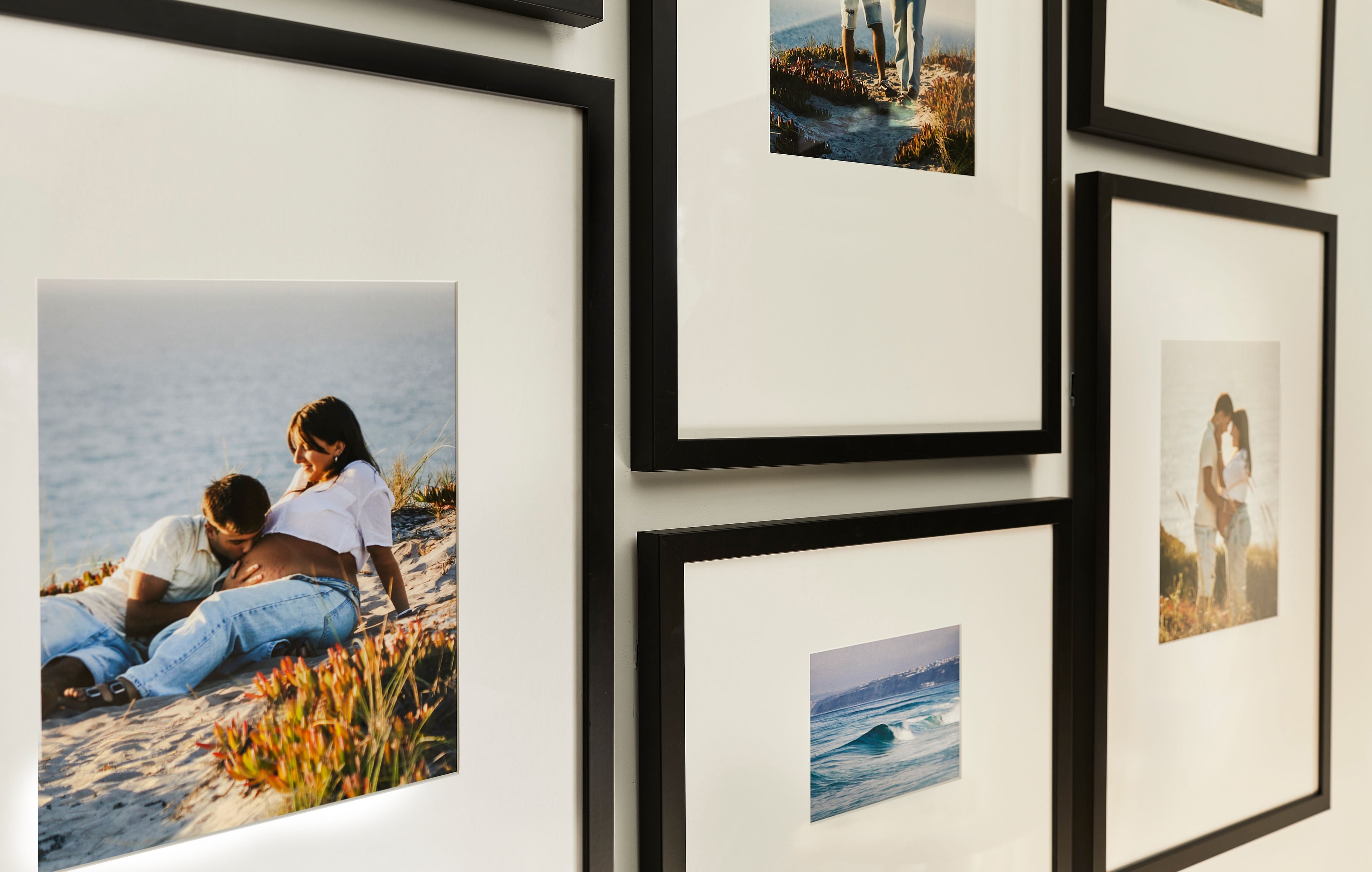
Why iPhone photos need different handling than DSLR or scanned photos
Before you pick a tier, it helps to know how iPhone photos behave when printed. They have three technical quirks that affect sizing and cropping, and understanding them removes guesswork from ordering.
Aspect ratio: iPhones shoot natively in 4:3. Most standard frame sizes, such as 5x7 and 8x10, use different aspect ratios. A 4x6 print uses a 3:2 ratio, a 5x7 uses 5:7, and an 8x10 uses 4:5, so a 4:3 iPhone photo needs either a slight crop or a mat that bridges the difference. Frameology’s Luxe frames feature acid-free mats, which handle aspect-ratio differences cleanly and give the finished piece a polished, gallery-quality look. For a deeper dive into sizing, Frameology’s ultimate guide to standard frame sizes covers every common dimension.
Resolution: A standard 12MP iPhone produces a 4032 x 3024 pixel image, which prints cleanly up to about 10x13 inches at 300 DPI (dots per inch), and the 48MP sensor on iPhone 15 Pro and 16 Pro extends that to roughly 16x21 inches. An 8x10 print at 300 DPI requires 2,400 x 3,000 pixels. Your iPhone already exceeds that minimum with room to spare, so resolution usually isn’t the variable to worry about.
HEIC files: iPhones running iOS (Apple’s iPhone operating system) 11 or later (iPhone 7 or later) shoot in HEIC (High Efficiency Image Container) by default, using the High Efficiency setting in Settings > Camera > Formats. Most online framing services, including Frameology, accept standard uploads directly from your phone without manual conversion. Frameology requires photos to be under 40MB for direct website uploads, and larger files must be emailed. If you ever need a JPEG instead, go to Settings → Camera → Formats and switch to “Most Compatible.”
Because iPhone photos are already high-resolution and easy to upload, the frame you choose matters more than the file you upload.
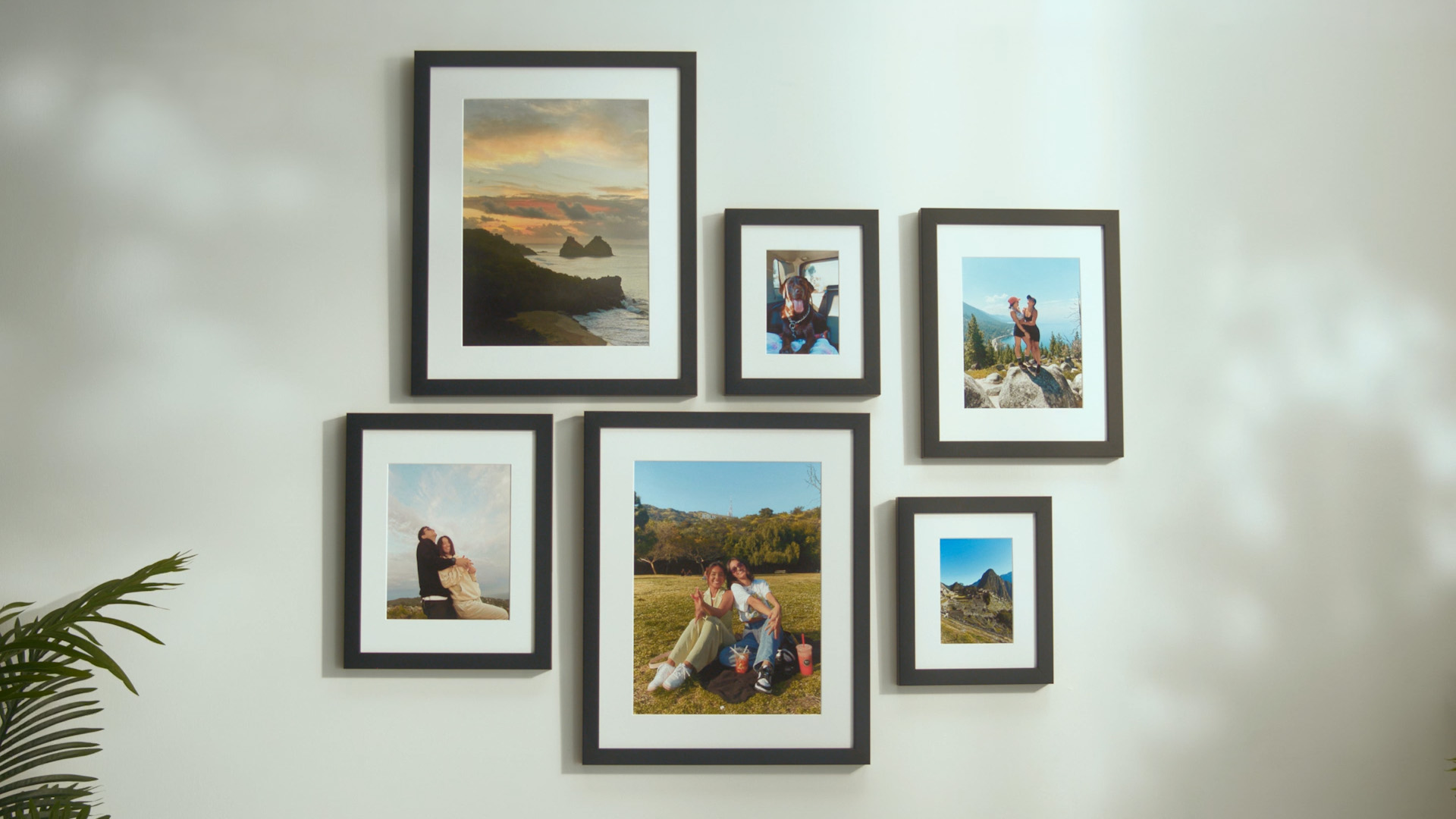
Discover the best way to print your photos at Frameology
Where is the cheapest place to get custom framing?
Online framing is usually the cheapest way to get custom framing because made-to-order production removes the retail markup that traditional frame shops carry. Frameology’s entry points are the Premium Canvas Print, starting at $19, and the Classic Table, starting at $39, both printed and hand framed in the United States.
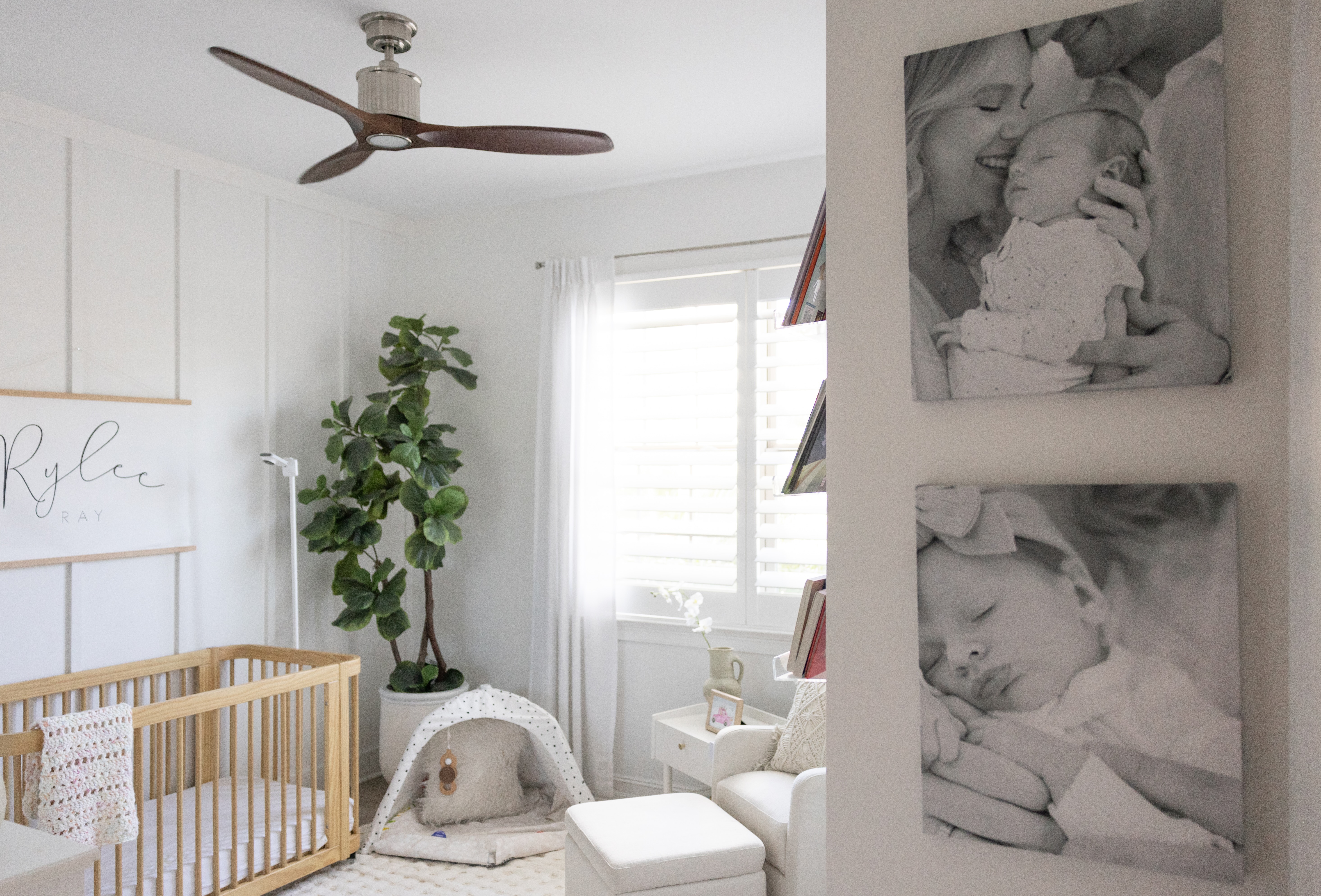
Online framing stays cheaper for three structural reasons: no storefront overhead, made-to-order production that eliminates inventory waste, and United States-based assembly that keeps quality consistent. Online framing typically saves 25–40% versus local shops for the same specification.
Cheapest and best value describe different things. The cheapest option is usually print-only, with no frame, no hanging hardware, and no way to preview the result on your wall. Cheap custom framing online gets you a print, and Frameology’s Classic line gets you a real frame, real craftsmanship, fast shipping, and a mobile augmented reality (AR) preview. That’s a different product at a comparable price. Reviewed.com praised Frameology for its high-quality prints, affordable pricing, and fast shipping, and specifically called out the preview feature as a differentiator.
What is the best photo frame for iPhone photos?
The best frame depends on where you’re displaying it and what you’re willing to spend. These picks are ranked by overall value for iPhone photos, balancing price, material quality, and display impact. Here are the top picks in order:
Classic Wall, starting at $59: best balance of price, quality, and wall presence
Classic Table, starting at $39: ideal for shelf and desk displays
Luxe Wall, starting at $79: museum-quality, archival framing with all hardware included
Premium Canvas Print, starting at $19: frameless, renter-friendly, lightweight
HD Metal Print, starting at $65: high-contrast, durable display using advanced dye-sublimation
Classic frames deliver strong value and fast shipping. The removable backing lets you swap photos anytime, which works well if you like to refresh your display seasonally. Luxe frames sit at the top of the range with premium wood molding and metal moldings, acid-free mats, UV-protecting museum-grade acrylic, and a sealed permanent kraft paper backing. Photos can’t be swapped once framed, and they’re protected for the long term. All necessary hanging hardware, including nails, a mini-level, and a no-wire hanging system, comes in the box.
Frameology’s mobile-only AR preview lets you see a true-to-scale version of your exact frame on your actual wall before you buy. You don’t need an app download or a log-in. Open Frameology on your phone, customize your frame, and tap the AR icon. It previews frames and gallery walls and doesn’t design a gallery wall. For more on choosing the right substrate, see Frameology’s guide on what to print your photo on.
Start framing your favorite memories at Frameology
What you give up at each price point
The tiers above show what each budget buys. This section looks at the same ladder from the other side and spells out the trade-offs at each price point.
Under $20: You give up the frame itself, hanging hardware, and the ability to swap photos. You get a print or canvas, which still works as a legitimate display option. Canvas prints are lightweight and renter-friendly, and you can hang them with damage-free mounting strips or velcro wall adhesives.
$20–$40: You give up wall-scale presence. Tabletop frames work well for shelves and desks but won’t anchor a large wall. If your goal is a statement piece above a sofa or bed, this tier usually feels too small.
$40–$60: You give up premium materials. Classic frames are built for value and flexibility and don’t focus on archival permanence. If you plan to swap photos seasonally, that flexibility becomes a feature because the removable backing makes changes easy.
$60 and up: You give up the ability to swap photos. Luxe frames are sealed for permanence as a deliberate trade-off for museum-quality protection. When the photo is one you want to display for years, that permanence fits the goal.
Frameology’s Classic line staring at $39 gives you real frames, real craftsmanship, and United States printing and hand-framing so you get strong quality without a luxury price.
Why Frameology sits in the sweet spot for affordable custom frames for iPhone photos
Frameology covers the full price ladder clearly: Premium Canvas Print starting at $19, Classic Table starting at $39, Classic Wall starting at $59, and Luxe Wall starting at $79. Every tier is covered, and Frameology’s framed products are printed and hand framed with care in the United States at facilities throughout the country.
No budget alternative matches these differentiators. The mobile-only AR preview projects a true-to-scale frame onto your actual wall, and the single-page customization flow keeps ordering frictionless. Frameology also brings 30+ years of framing heritage, dating back to a family-owned frame shop in Manhattan in 1986. Frameology has earned over 7,700+ verified 5-star reviews and a 4.98/5 star rating. Hunker named it “best for budget-conscious shoppers” in a direct comparison with other popular online framing services.
If you want more than one iPhone photo on the wall, Classic gallery walls start at $198. The Classic Stack II, priced at $198, and, as a Classic gallery wall, includes a life-size gallery wall template for effortless installation. Tape the template to the wall, hammer nails into the marked spots, remove the template, and hang your frames. Luxe gallery walls start at $638. The Luxe Diptych, priced at $638, and, as a Luxe gallery wall, includes a gallery wall template and all hanging hardware.
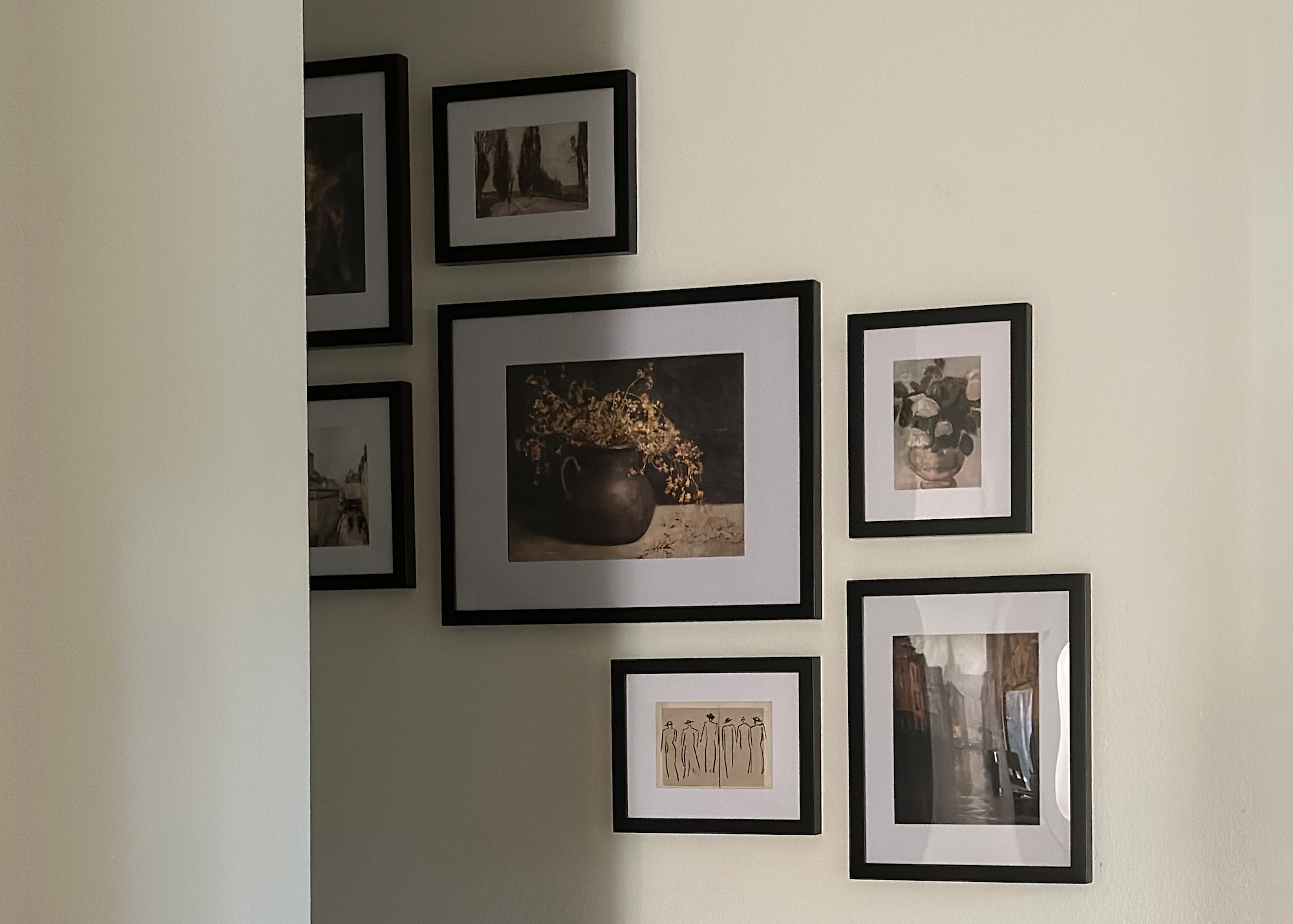
Explore ready-to-hang gallery walls at Frameology
Your iPhone photos are ready and your frame is waiting
The budget-tier framework stays straightforward: under $20 for prints and canvas, $20–$40 for tabletop framing, $40–$60 for wall-worthy Classic frames, and $60+ for museum-quality Luxe. Every tier is covered, and every product is hand framed in the United States.
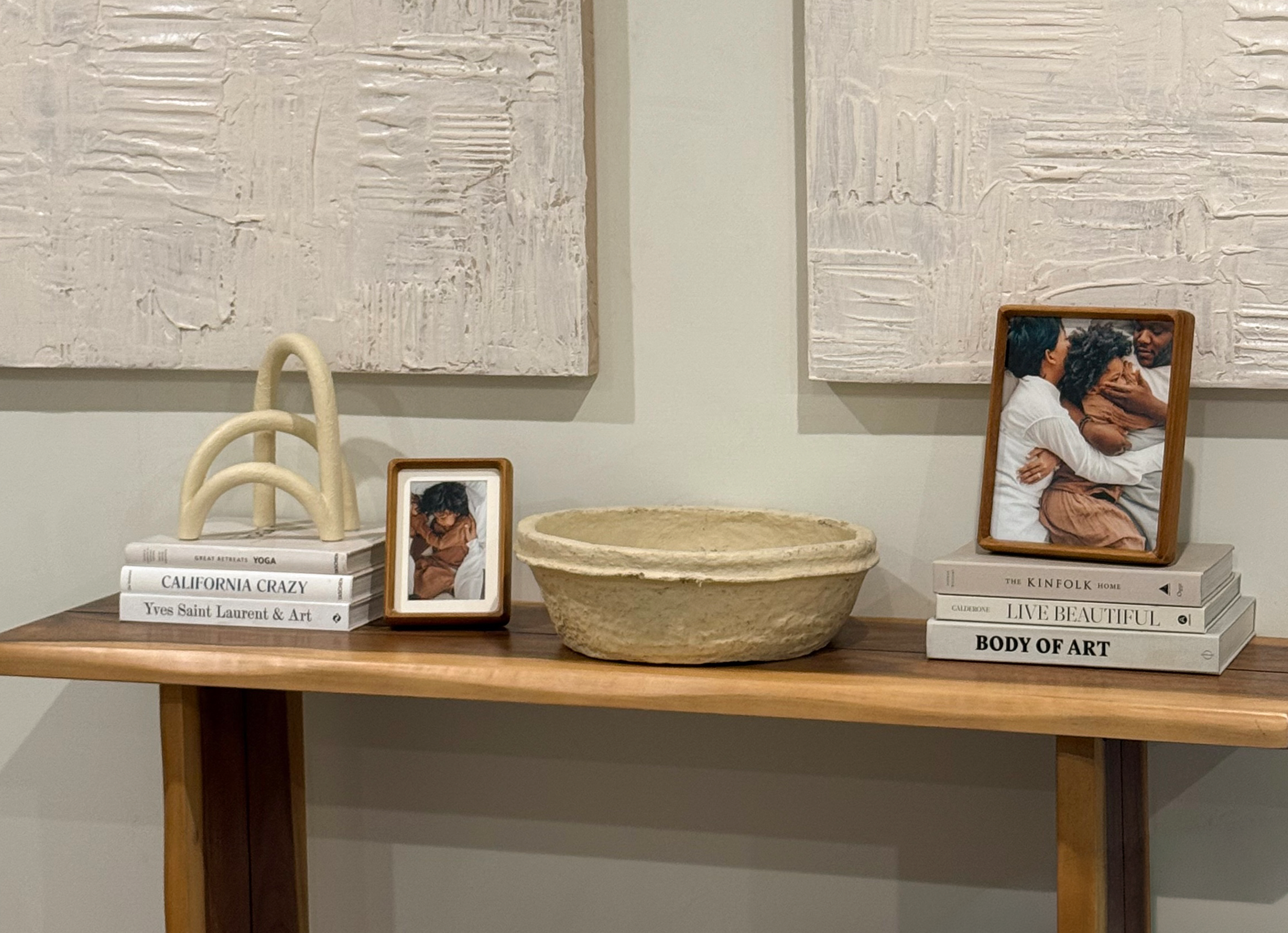
Your iPhone photos are already high-resolution and easy to upload. The frame you choose matters more than the file you upload, and the right frame turns everyday shots into display-worthy pieces. Pick three photos. Check the aspect ratio. Use the mobile AR preview to see the frame on your wall. Place your order and enjoy seeing your memories every day.
Start framing your favorite memories at Frameology
Frequently asked questions
What’s the difference between Classic and Luxe frames?
Classic frames deliver great value and fast shipping, starting at $39, with a removable backing so you can swap photos anytime. Luxe frames are top-of-the-line and museum-quality, starting at $79, with premium wood molding and metal moldings, acid-free mats, UV-protecting museum-grade acrylic, a sealed permanent kraft paper backing, and all hanging hardware included. Luxe products take 7–10 business days.
How long does shipping take?
Classic products usually ship the next business day and typically arrive within a week. Luxe products, frameless prints, and personalized gifts take 7–10 business days because of the artisan craftsmanship involved in each order.
Can I swap out photos in my frame later?
It depends on the line. Classic frames have a standard removable backing, so you can swap photos as often as you like, which works well for seasonal refreshes or new memories. Luxe frames have a sealed, permanent kraft paper backing designed to protect your photo for the long term, so photos can’t be swapped once framed.
How does the AR preview work?
Frameology’s AR tool is mobile-only and requires no app download or log-in. Open Frameology on your phone, customize your frame, and tap the AR icon. Your phone’s camera projects a true-to-scale preview of the exact frame onto your wall so you can see how it’ll look in your space before you buy. It previews frames and gallery walls and doesn’t design a gallery wall.
Do all gallery walls include hanging templates?
Classic and Luxe gallery walls include life-size gallery wall templates that make installation simple and straightforward. Canvas galleries and gallery walls created using Frameology’s Gallery Wall Design Service don’t include templates because their construction and customization work differently and often need more tailored installation approaches.
Are Frameology’s products sustainable?
Frameology uses recycled materials whenever possible, thoughtfully sourced materials, and carbon neutral shipping. The company continuously aims to reduce its climate impact year after year.
What’s the best frame size for an iPhone photo?
iPhones shoot in 4:3, which doesn’t match most standard frame sizes exactly. Some cropping or matting is involved at each size. Frameology’s Luxe frames feature acid-free mats to bridge aspect-ratio differences cleanly, so the finished piece looks intentional rather than cropped.
Can I frame multiple iPhone photos together?
Yes. Classic gallery walls start at $198 and include a life-size gallery wall template for effortless installation. Tape it to the wall, hammer nails into the marked spots, and hang. Luxe gallery walls start at $638 and include both a gallery wall template and all hanging hardware. Classic gallery walls include a gallery wall template; hanging hardware is not included.
